

Final Animation
Concept
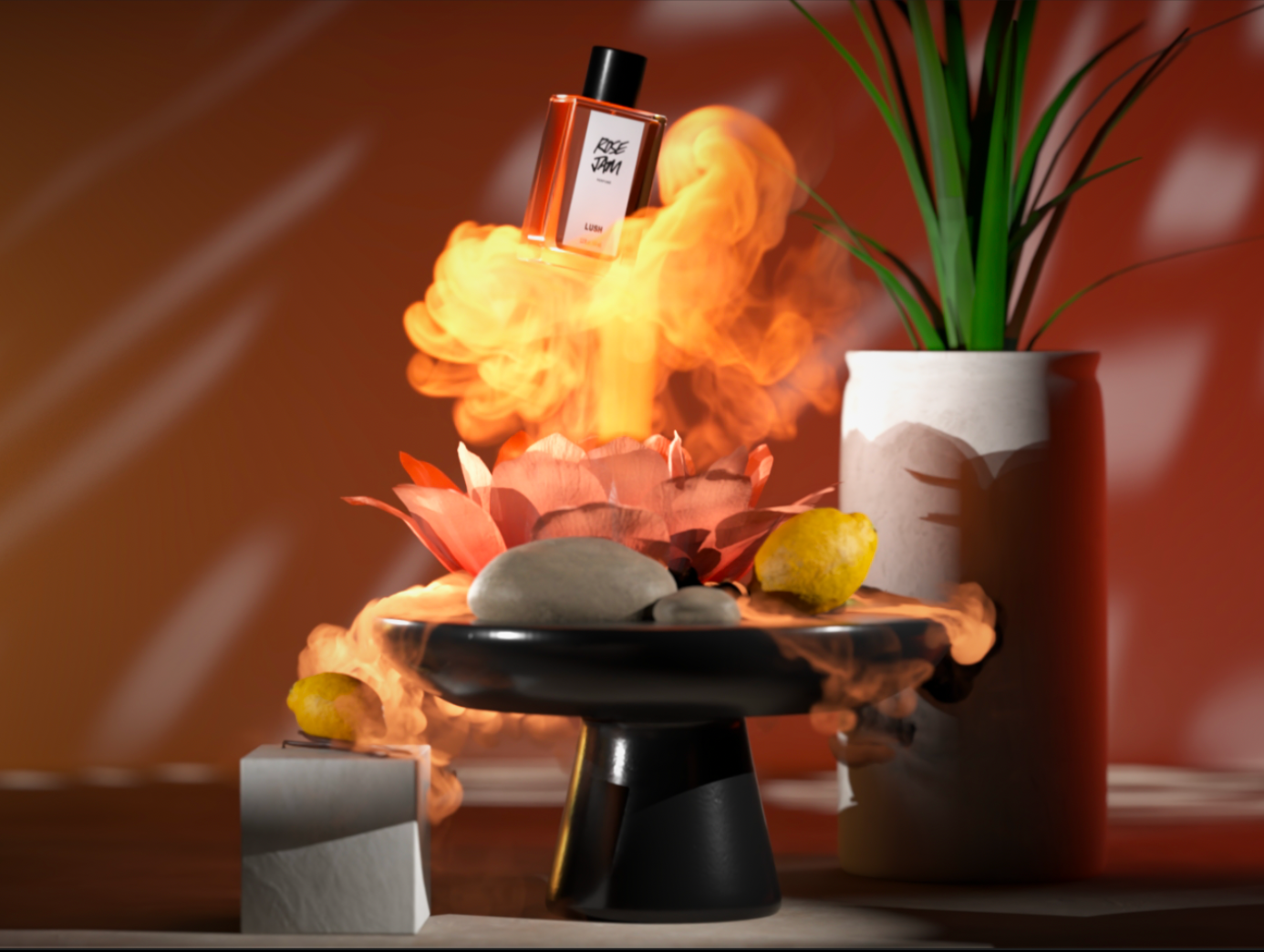
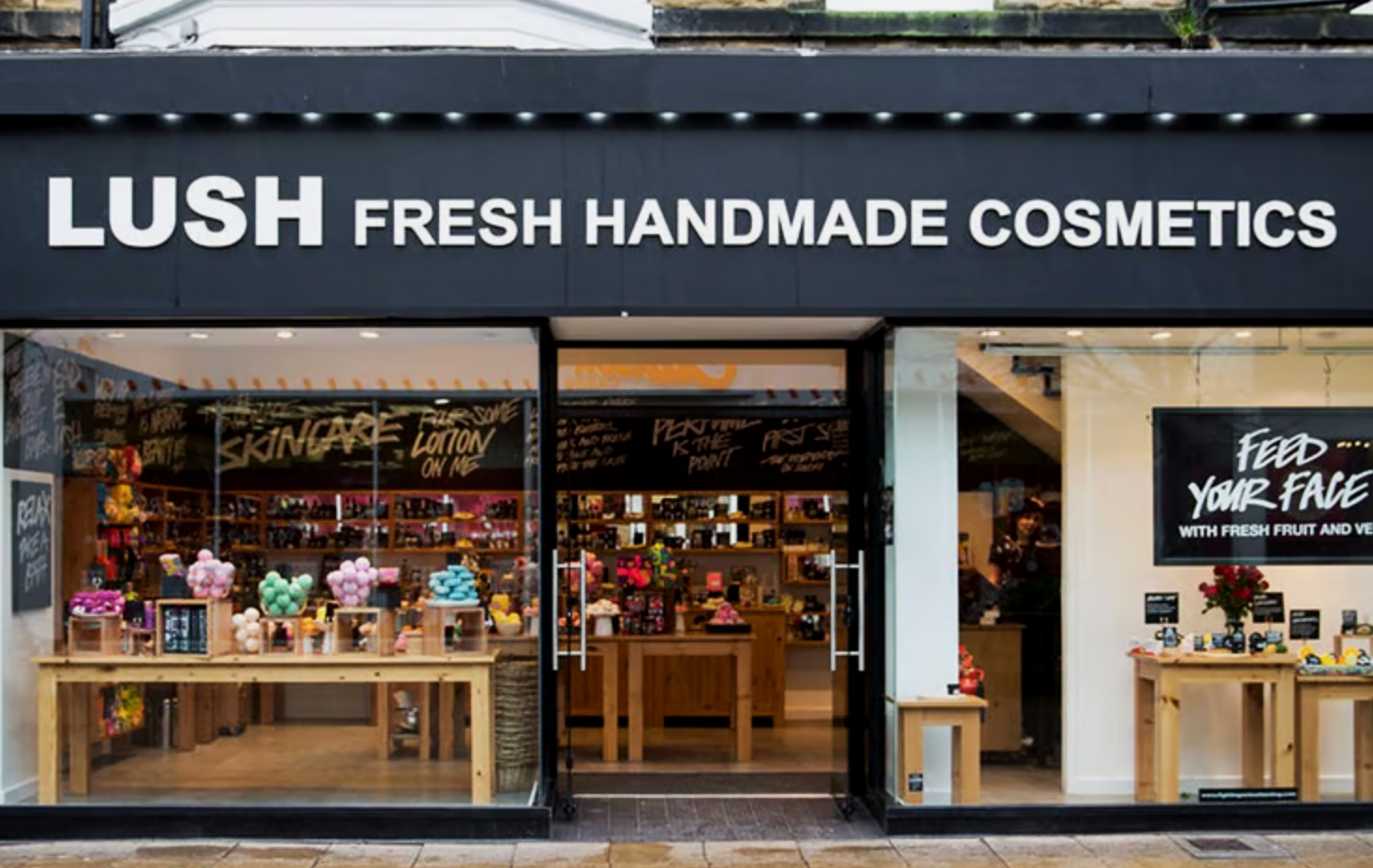
LUSH
The brand I chose was LUSH Cosmetics. My goal was to emphasize the fragrance of the perfume rather than just the product itself. I used a volume simulation to visualize the scent as flowing smoke, making the fragrance physically present in the scene. Supporting elements of the composition include key ingredients of the perfume, integrated into the environment to reinforce the scent’s identity.
LUSH
FRESH HANDMADE COSMETICS
Software Used:
Houdini
Karma Render
After Effects
Cinema 4D
Design Challenge
Using Houdini, I developed a 5–10 second branding ad centered around a product or brand. The simulation plays a key role in the visual storytelling, enhancing the product while functioning as a core element of the ad, not merely a background effect.
Credits:
3D Modeling and Animation:
Hailey McMahon
Texturing and Sim:
Hailey McMahon
Lemon and Perfume model:
Sketchfab
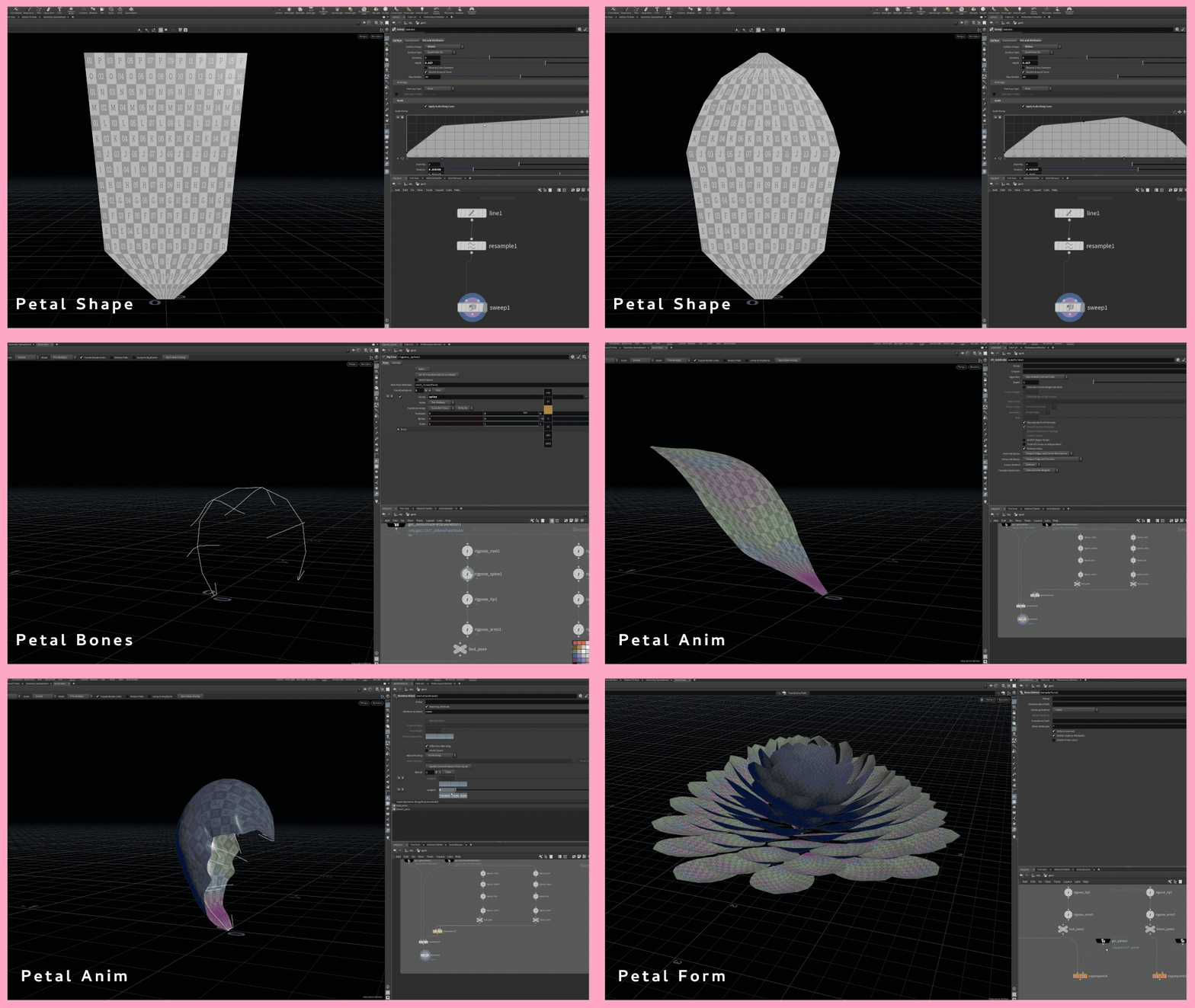
Technical process; Hand RigTechnical process; Flower Petal Bones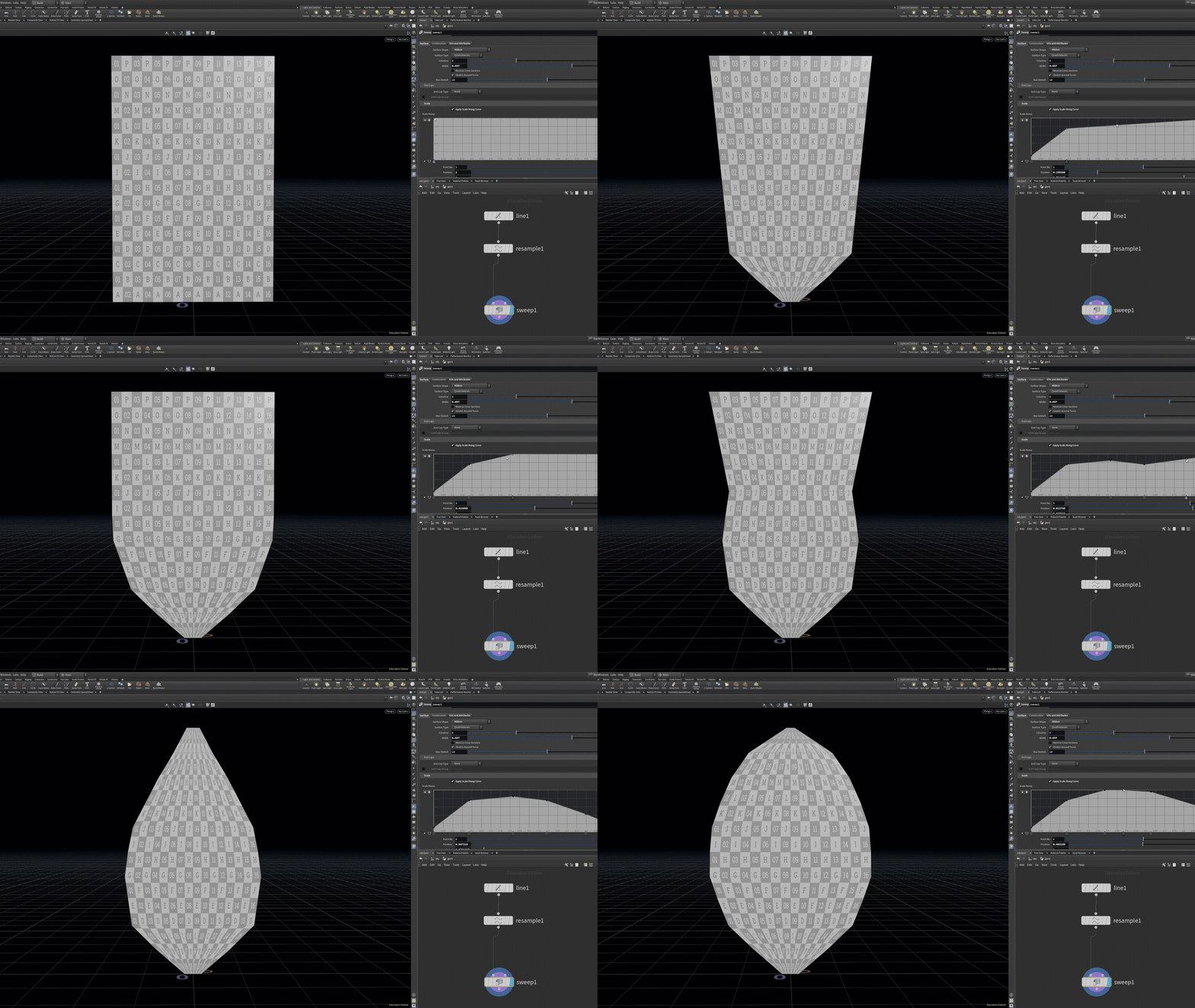
First part of the rig, I created four different elements of the bone structure. Using rigpose, I created the root, spine, tip, and arms, where I could control each individually. I then made a bud pose and bloom pose where the animation starts and stops.
Technical Execution
Using a line and sweep node, I could create the individual flower petal shape, which would apply to every flower. This is procedural and can be changed at any point and will apply too all petals.
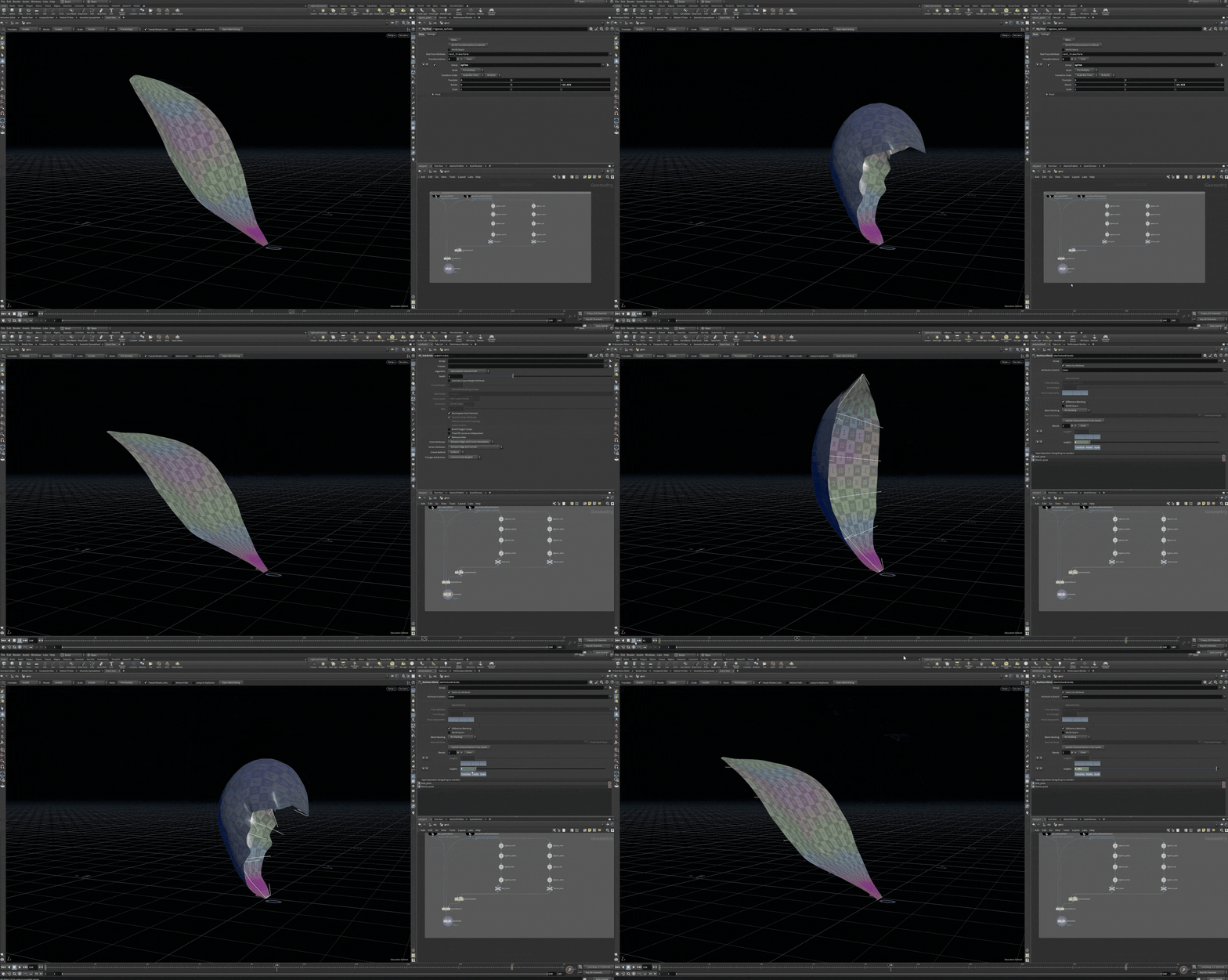
Technical Process; Petal ShapingTechnical Process; Animating PetalThis next stage, the bone deform node allows the petal to animate from pose to pose by dragging a slider.
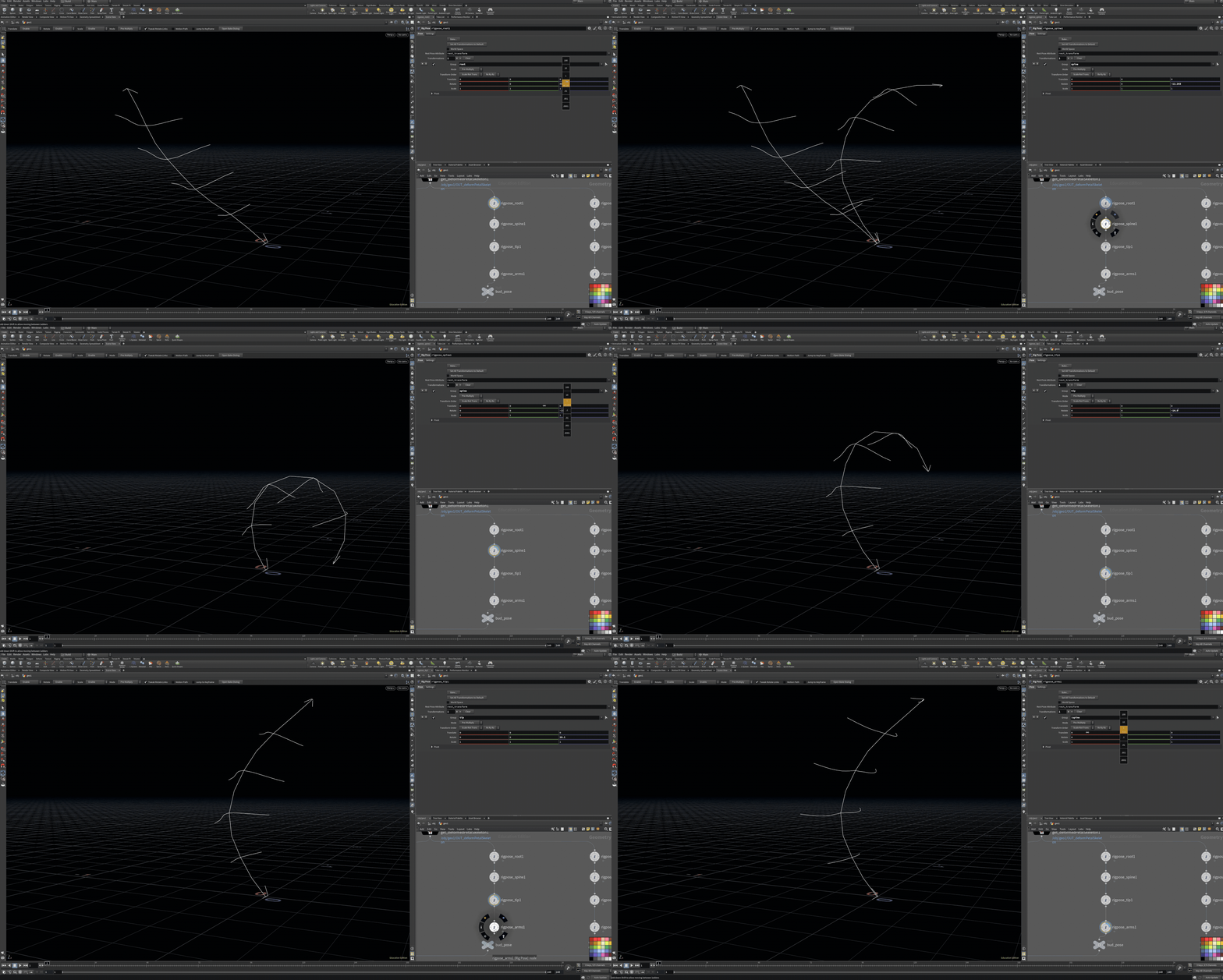
Process Breakdown of Flower Rig Rig Breakdown
Final Thoughts
Overall, this project was a lot of fun to work on. Not only did I get the opportunity to learn the pyro solver in Houdini and create dynamic smoke simulations, but I also challenged myself to build a fully procedural flower. Through this process, I explored a wide range of new techniques and approaches within Houdini, while also gaining a deeper understanding of how simulation can enhance branding and visual storytelling.
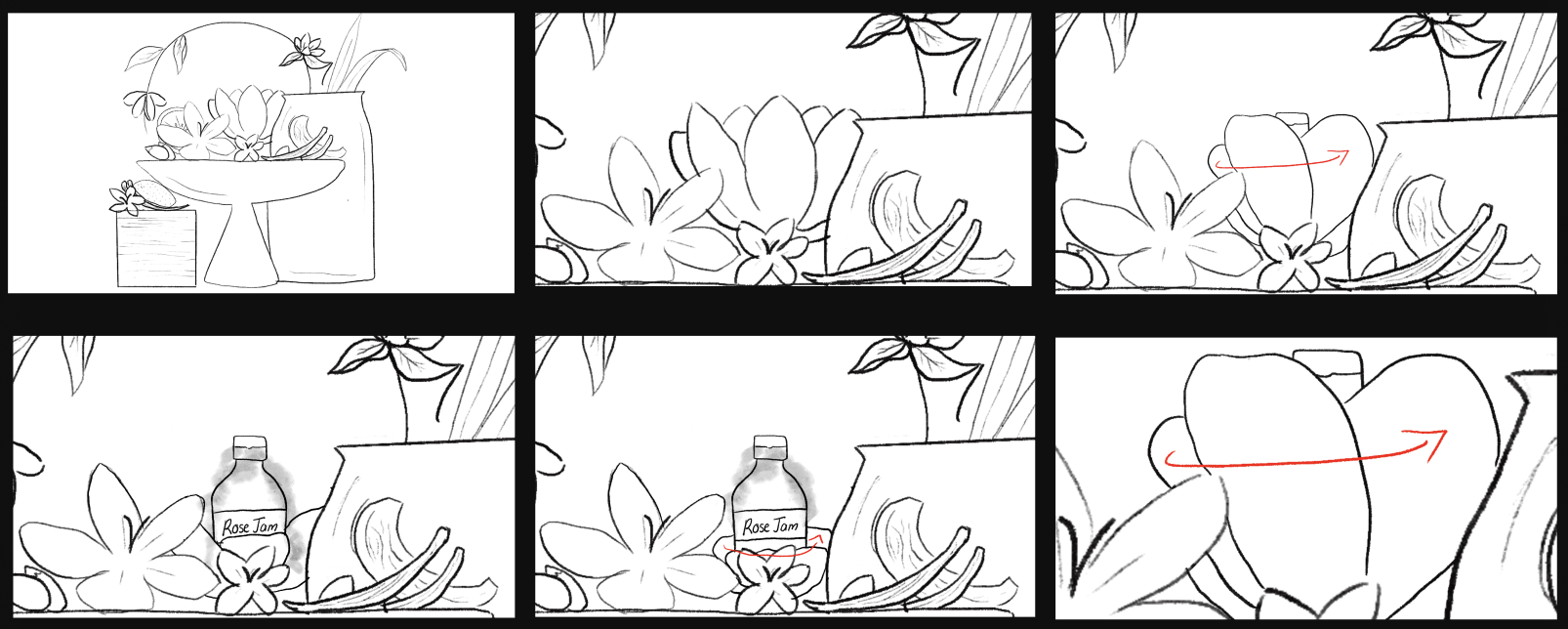
This was the initial storyboard that outlined key elements for production, but it was later simplified to allow more time for animation and to place greater focus on the perfume bottle.
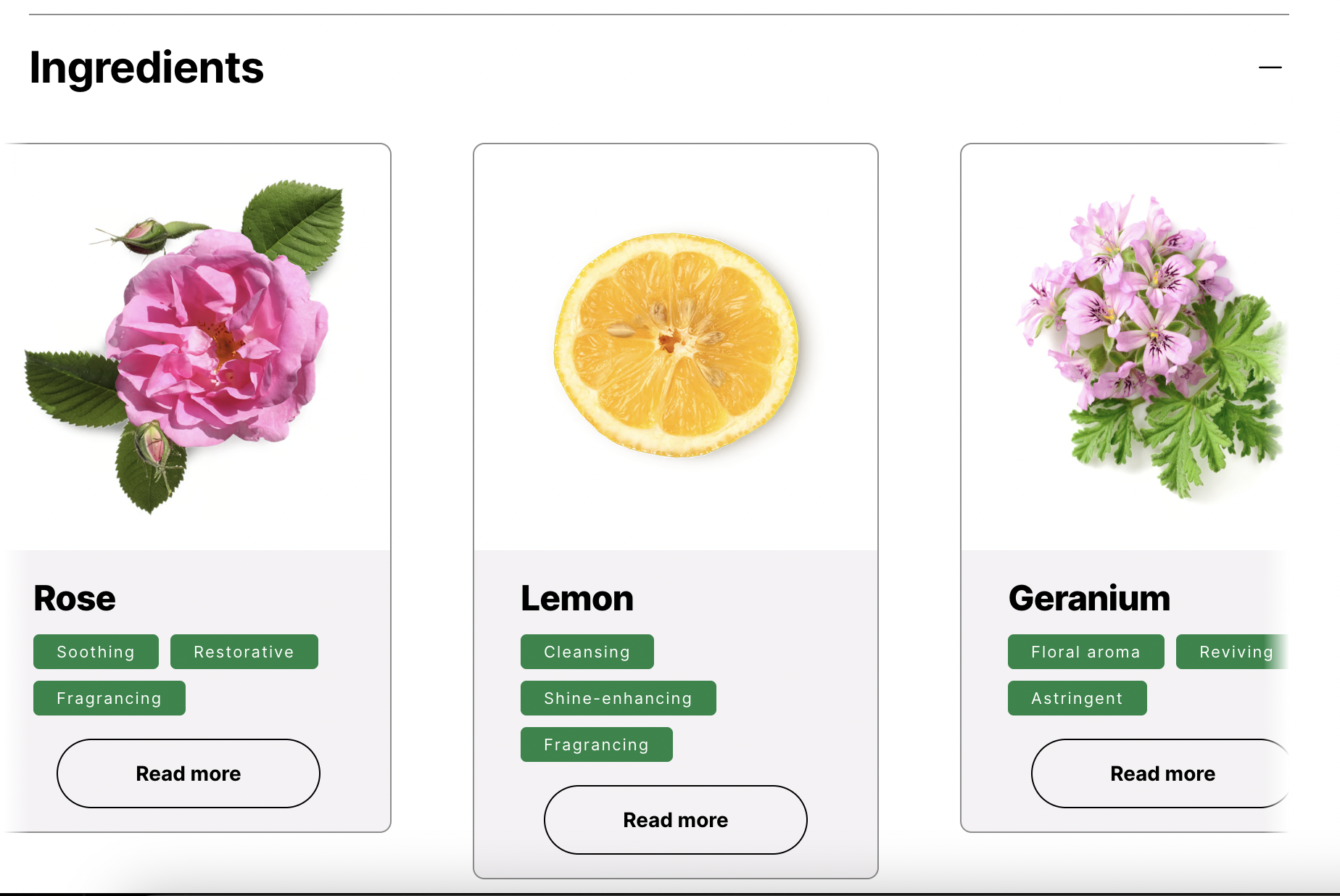
For the objects I chose for this scene, I took reference from some of the products main ingredients to bring it to life.
Vanilla Pod Infusion – sweet, warm
Rose Absolute & Rose Oil – floral scent and skin-conditioning
Rose petals – soft, romantic floral
Vanilla – sweet warmth
Lemon – bright, citrusy top note
Geranium – subtle rosy-floral green nuance
Research
Ingredients
Brand
Lush is a British cosmetics brand founded in 1995 in Poole, England, by Mark and Mo Constantine and their partners.
The company makes fresh, handmade products like bath bombs, soaps, shampoos, and skincare. Lush is known for using natural ingredients, being cruelty-free (no animal testing), and offering many vegan products.
Today, Lush has hundreds of stores worldwide and is recognized for its colorful bath products and strong focus on ethics and sustainability.
Storyboard
Style Frames
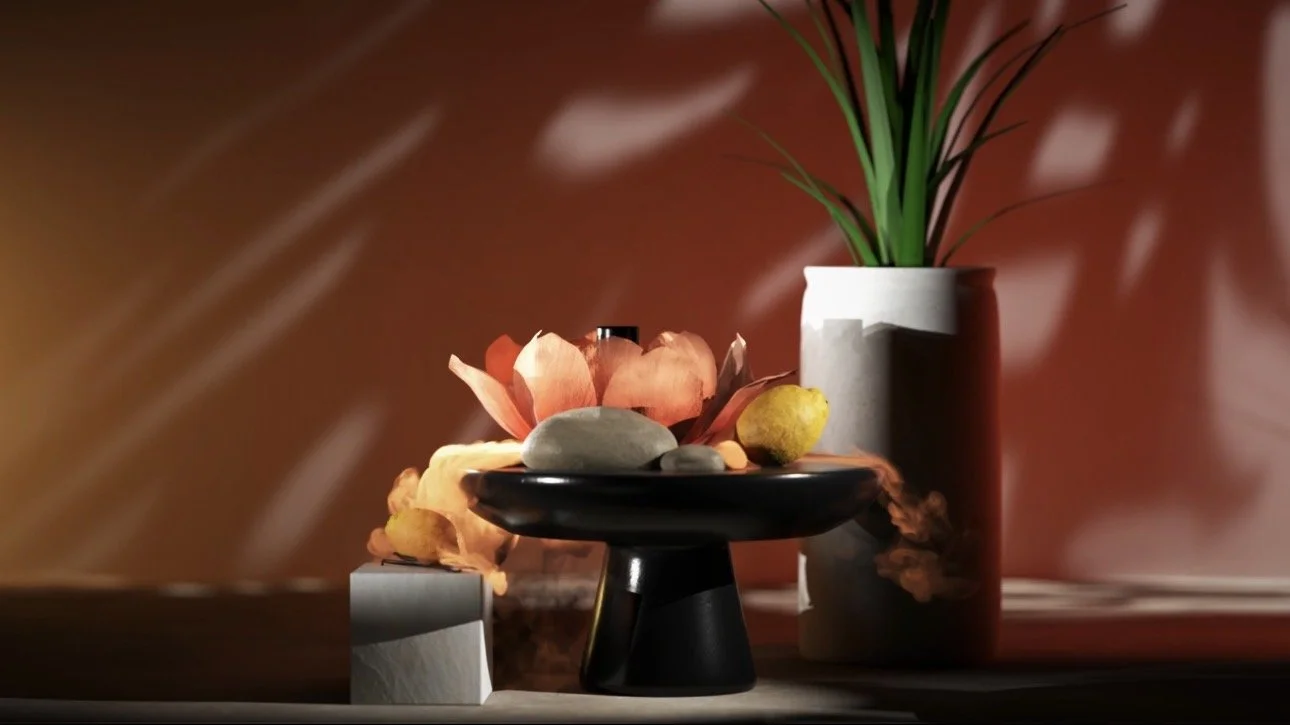
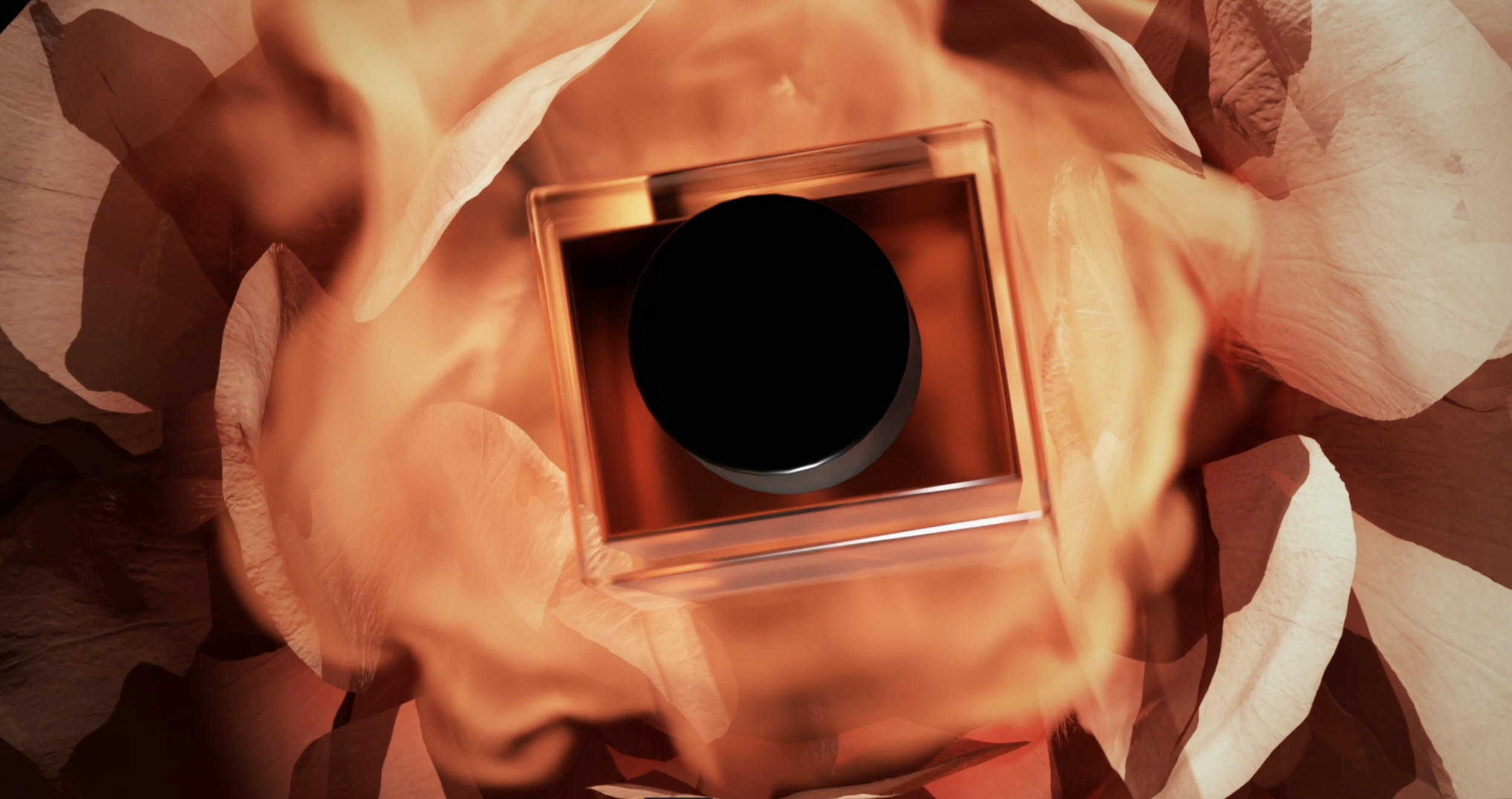
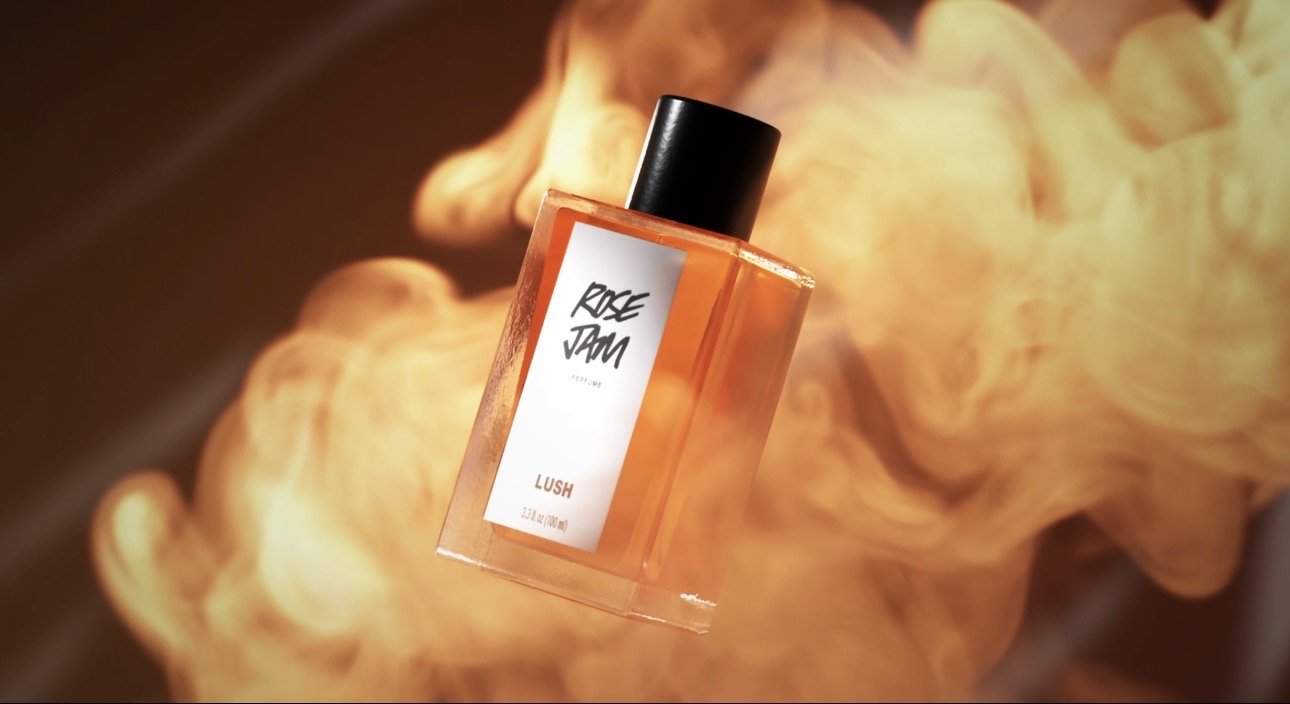
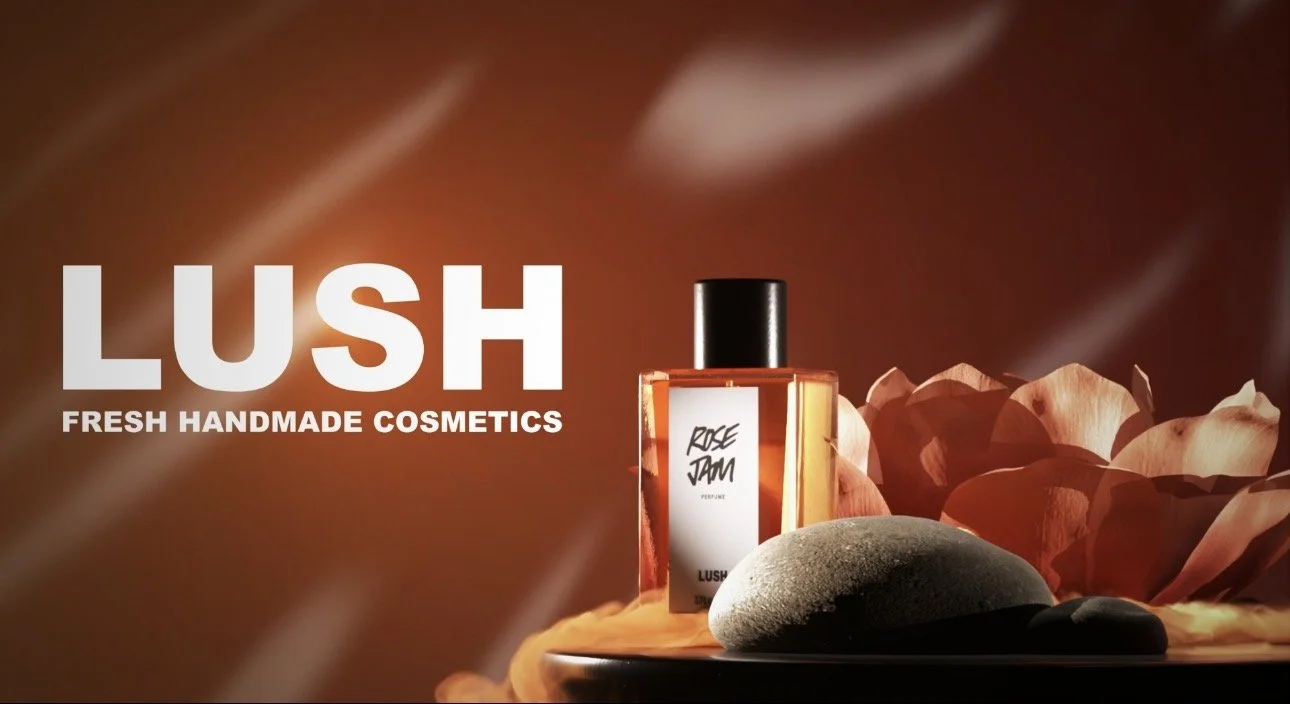
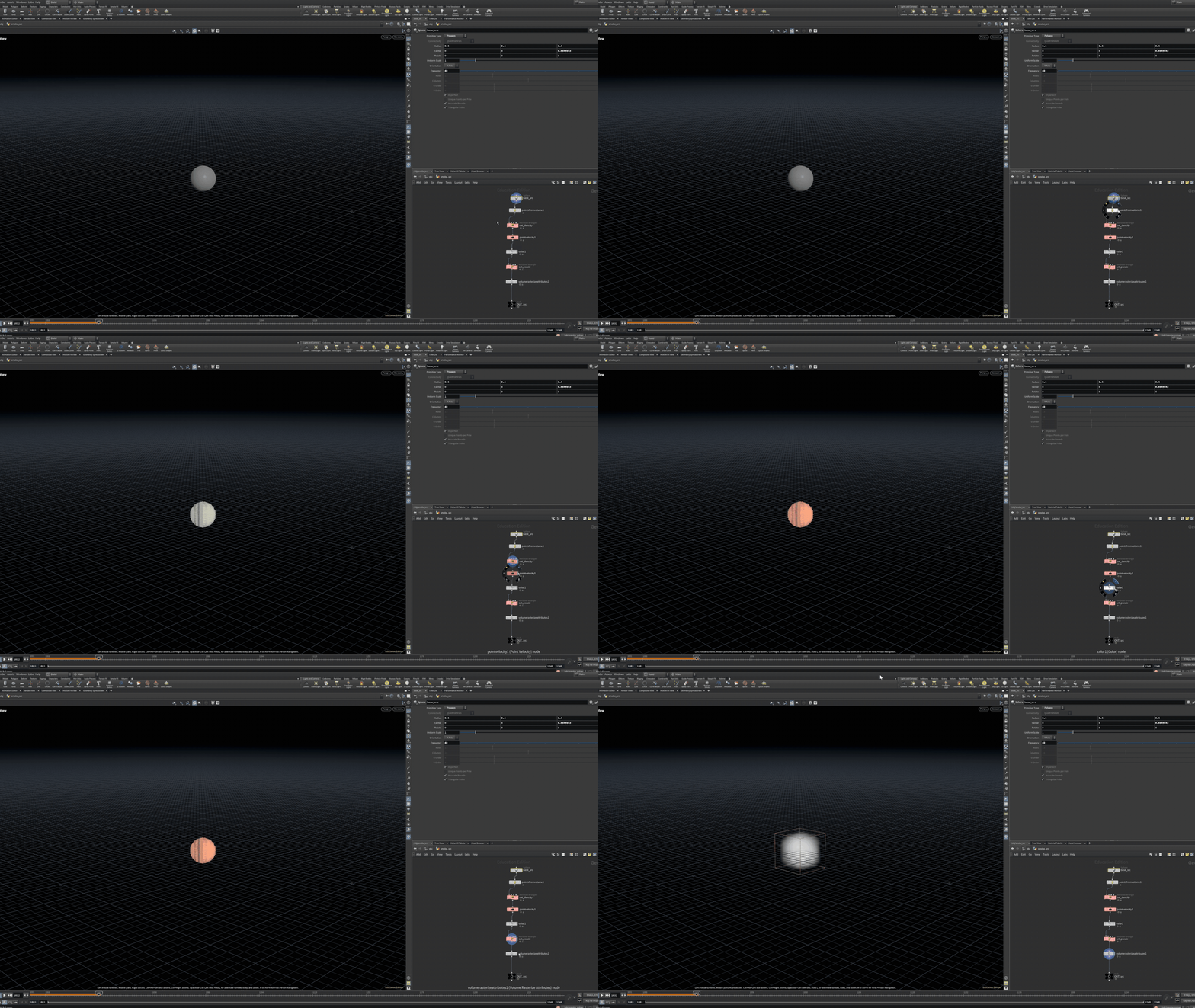
The smoke simulation was created using a standard Houdini workflow consisting of a source, solver, and cache.
The source (SRC) is where the smoke originates and establishes its initial conditions. This includes attributes such as density, temperature, and velocity, which control how the smoke begins to form and in what direction it moves from. The shape and placement of the source also influence the overall structure of the simulation.
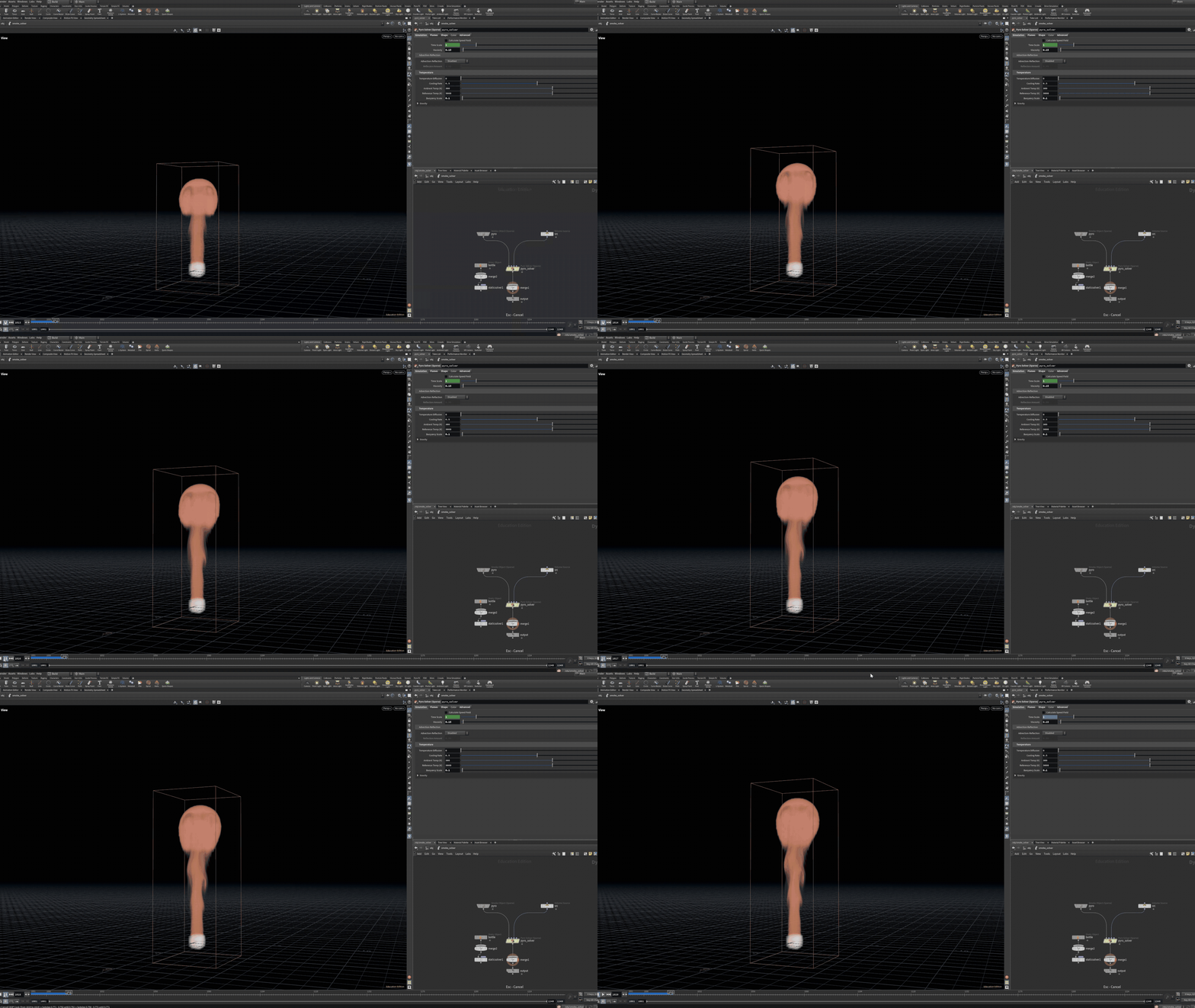
Technical Process; Smoke SourceTechnical Process; Smoke SolverNext, the simulation was processed through the solver, which acted as the core of the system. The solver evaluated the source data over time, applying physical attributes like buoyancy and turbulence to generate natural, evolving motion. This step was responsible for the formation of the smoke’s shape, movement, and detail across frames.
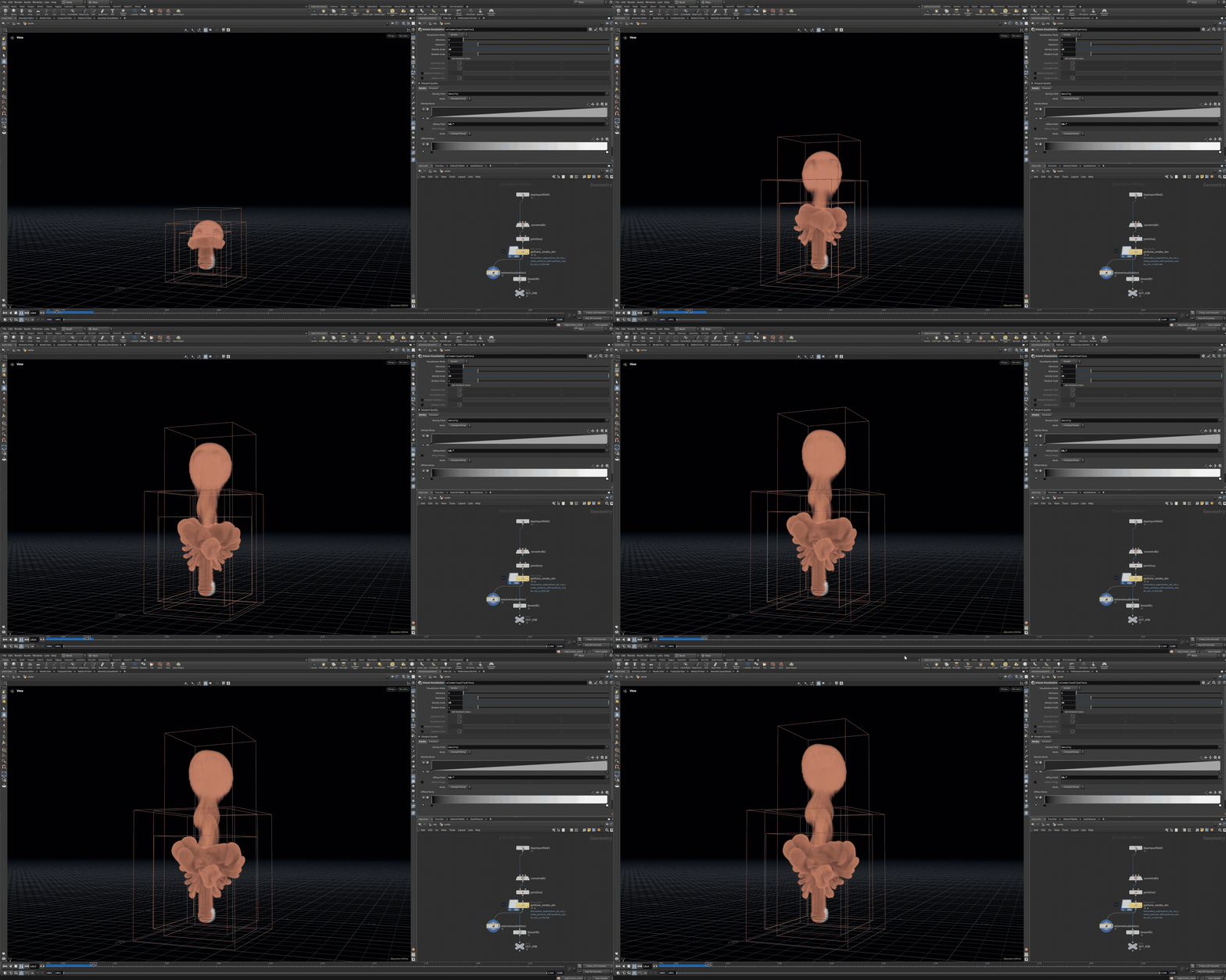
Finally, the simulation was cached to disk, storing the frames so they could be played back and rendered efficiently without needing to re-run the simulation each time. This made iteration on lighting, shading, and composition much faster while ensuring consistent results.
Overall, the workflow followed a clear progression: the simulation was initialized through the source, developed through the solver, and finalized through caching.
Technical Process; Smoke Source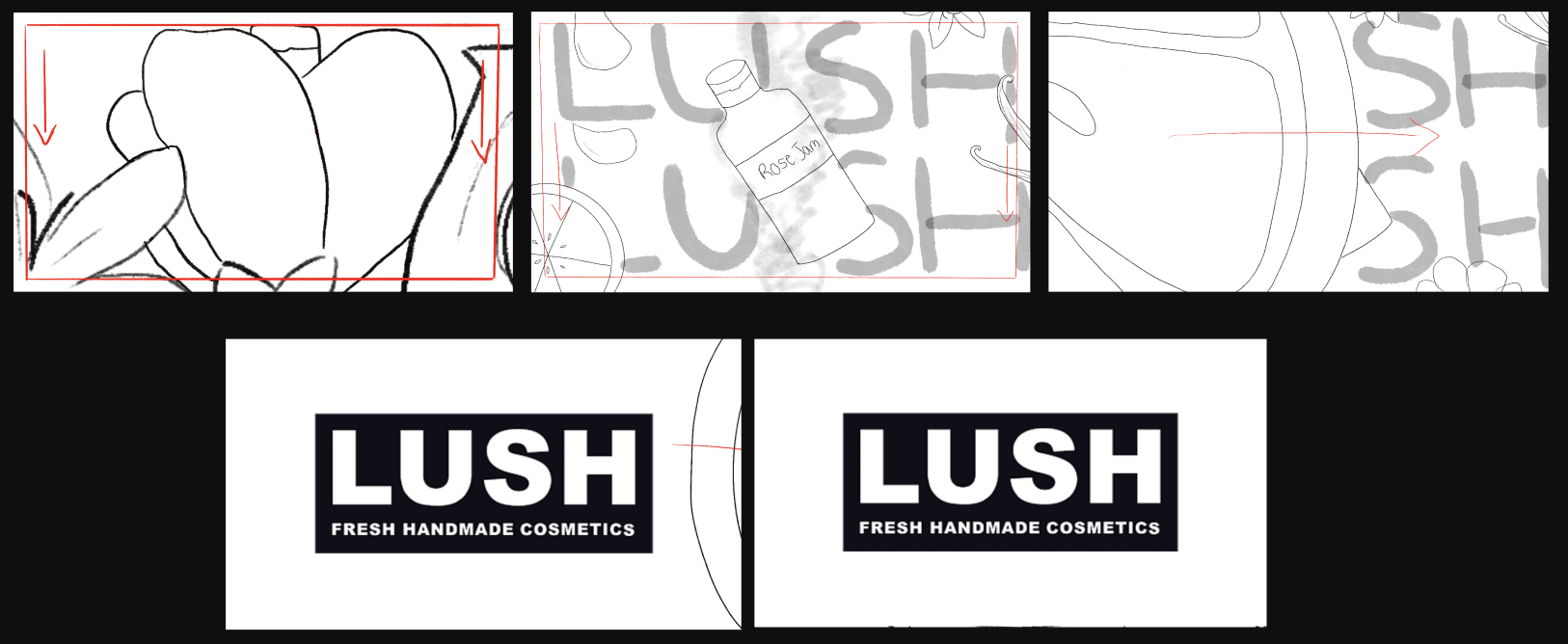
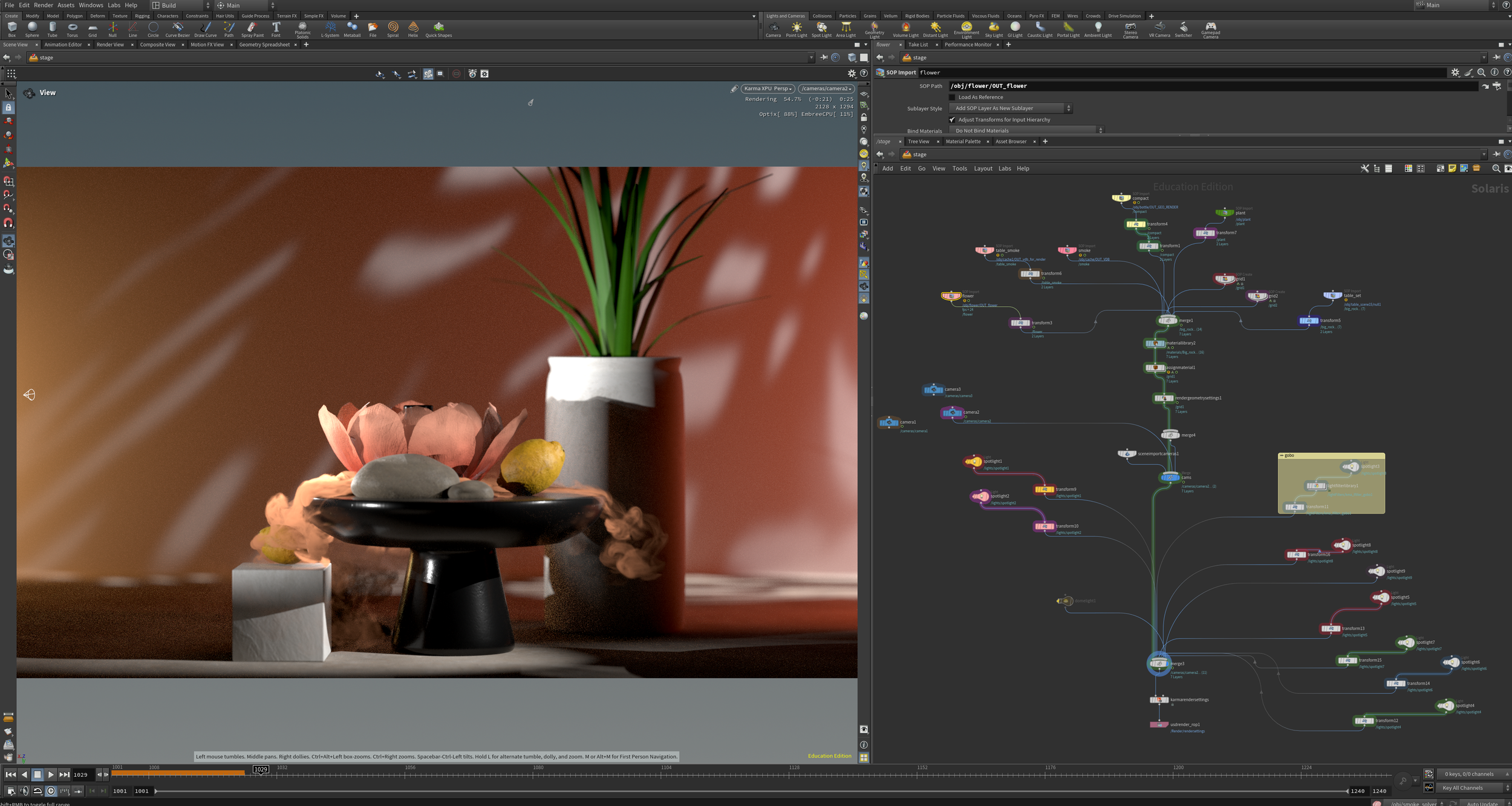
Technical Process; Stage SceneOnce everything was cached, I imported everything using SOP imports to bring them into the Stage scene. Using solaris, I built out the scene and placed the sims and objects together to create a final comp.
Once everything was put to together, I lit the scene and textured everything using “Assign Material” and “Karma Material Library”. The final step was rendering my shots out using Karma Render.
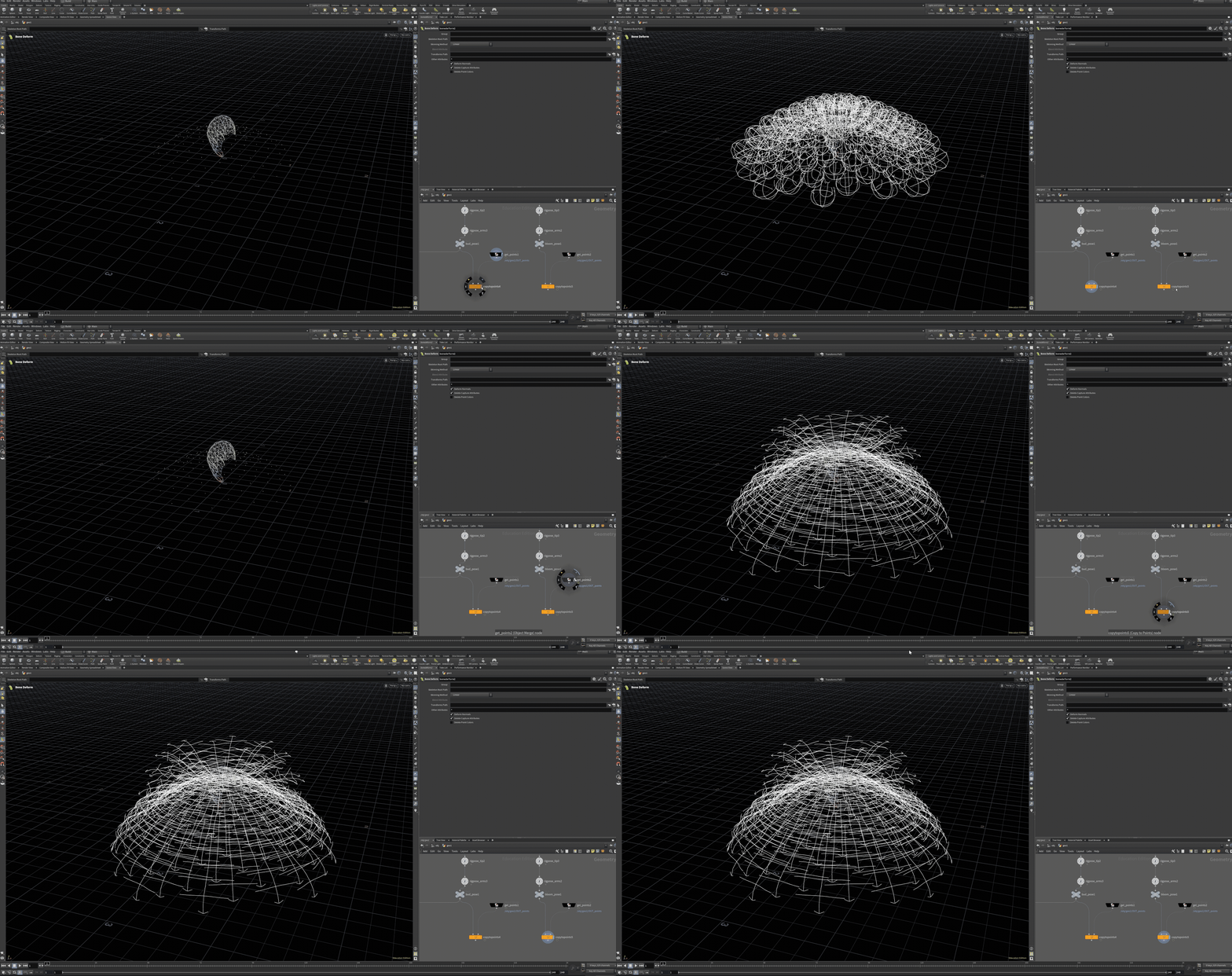
Technical process; Flower OrientationI use Copy to Points to connect the bud and bloom poses. Each point controls a copy, which sets the petal placement and orientation.