

Final Mockup
M&M Branding
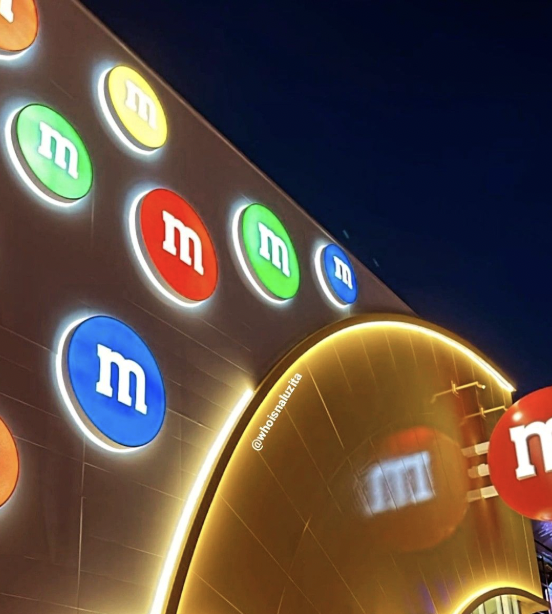
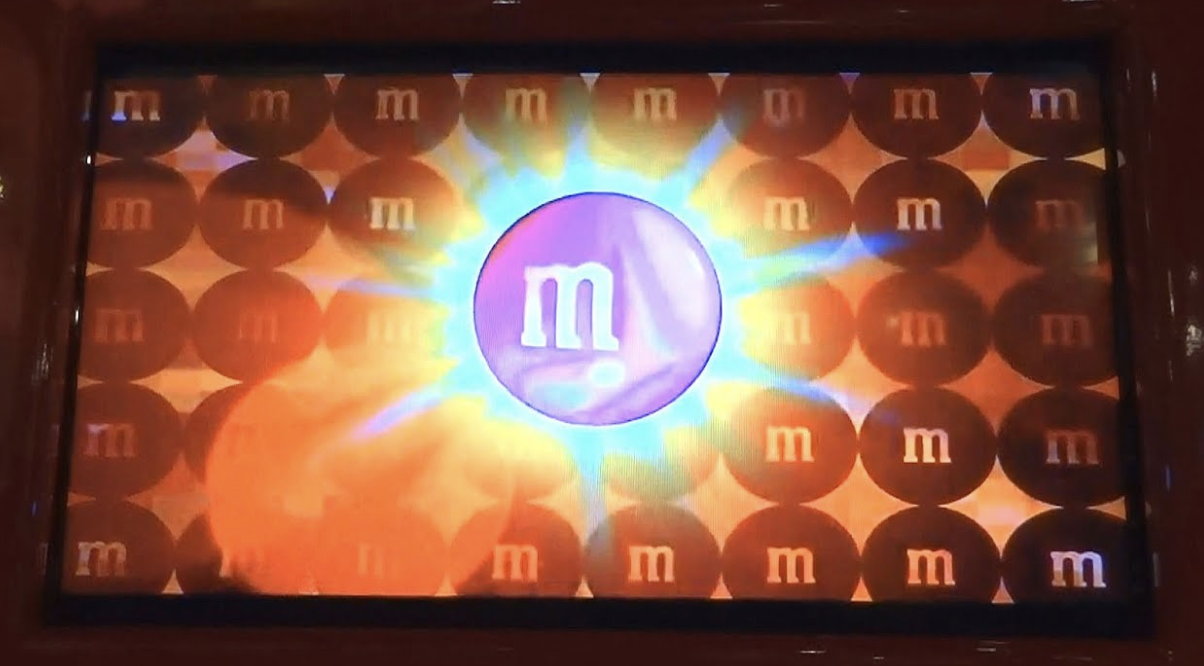
M&M’s uses a fun, story based branding approach that brings its colorful candies to life through playful characters. Each M&M has a unique personality, like Red being confident and Yellow being silly, which appear in humorous ads and short stories. These lighthearted interactions make the brand feel lively and relatable, turning M&M’s from just candy into a fun, character-filled experience that spreads joy and creativity.
Research

Trompe L’oeil
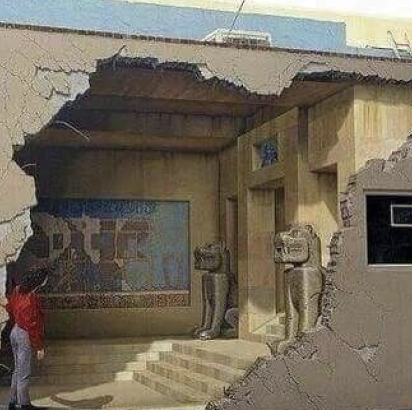
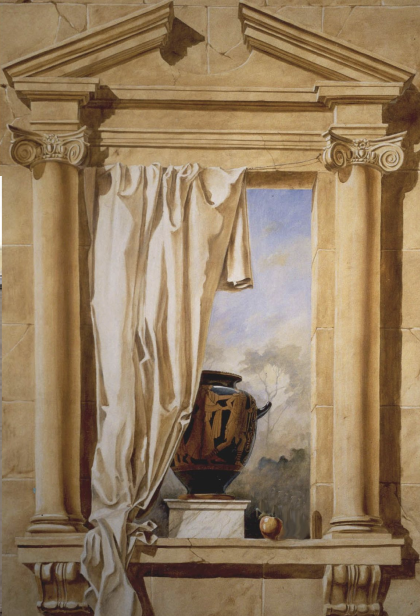
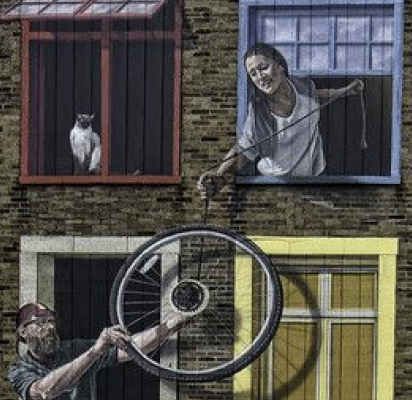
Also known as Trick of the Eye. Originating in ancient Greece and Rome, Trompe L’oeil is an art technique that uses realistic imagery to create the optical illusion that depicted objects exist in three dimensions. It tricks the eye into seeing painted details as real, often making flat surfaces appear to have depth and texture.
Chocolate Appearance
Thickness
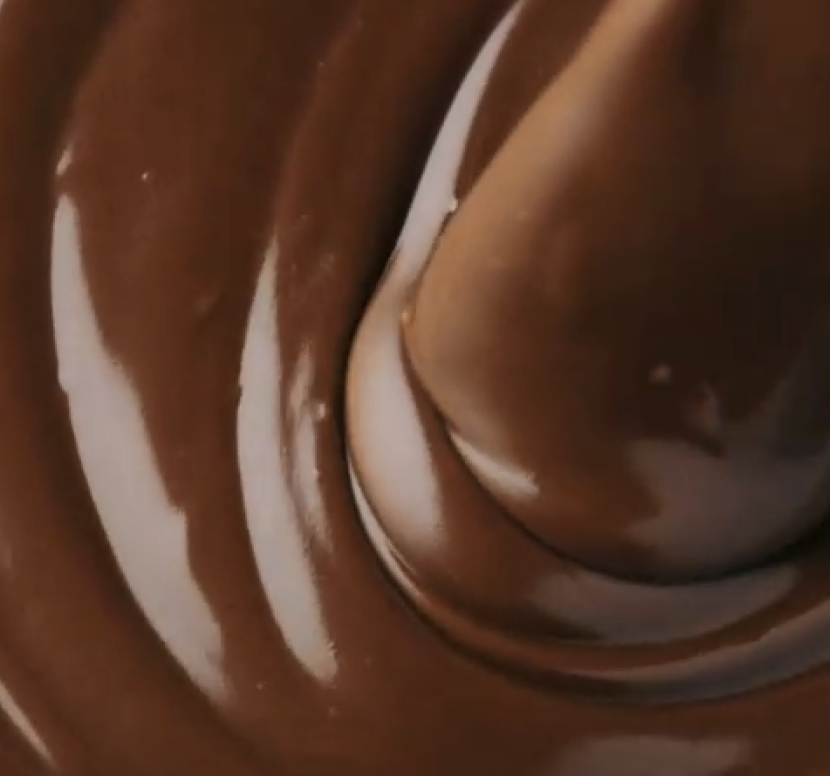
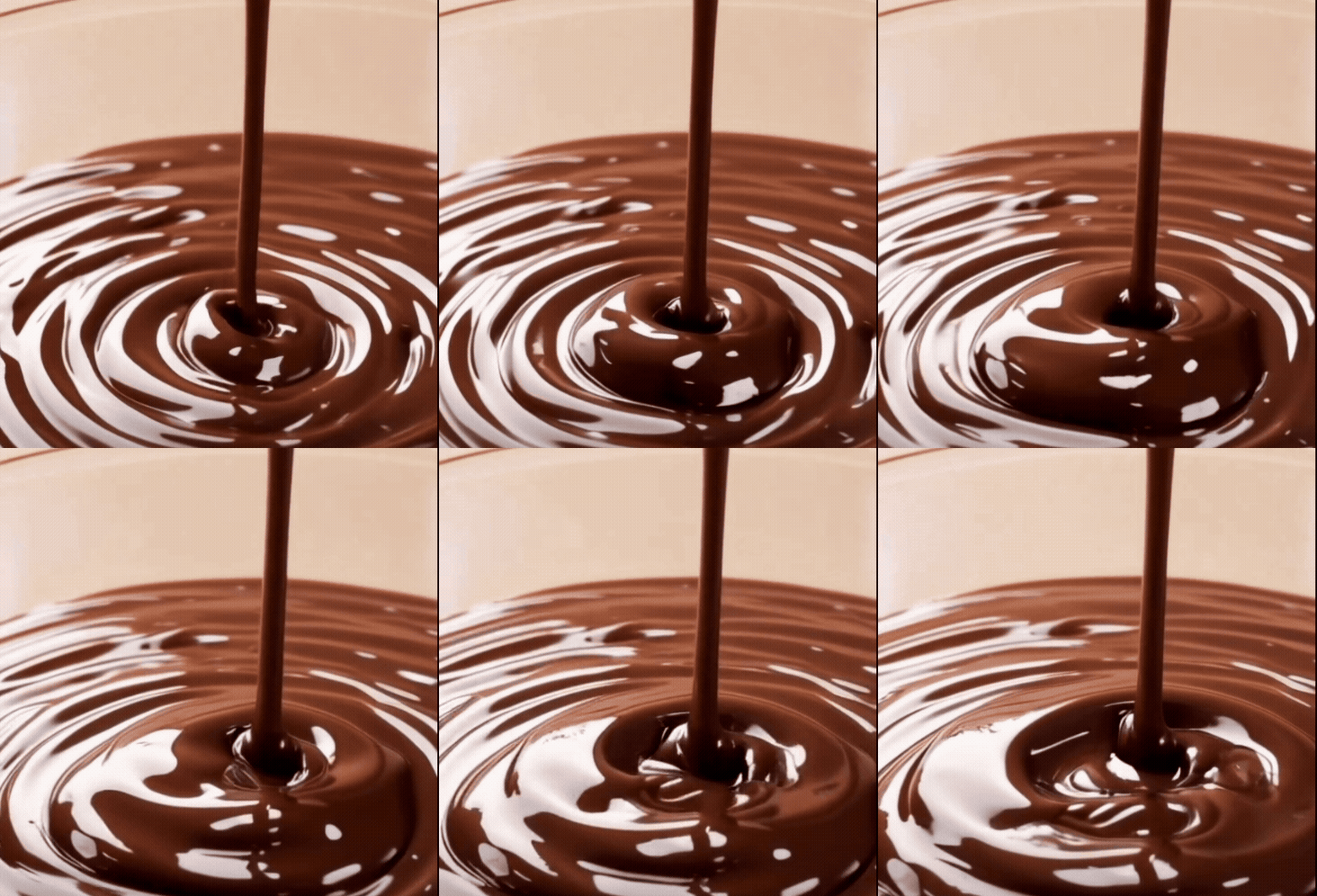
There is less contrast to the highlights and a more matte appearance, which the chocolate appear thicker
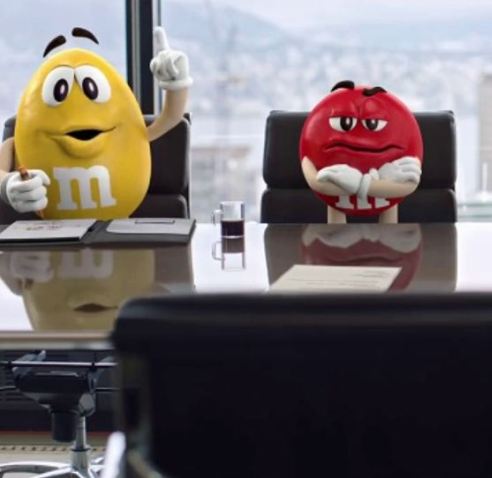
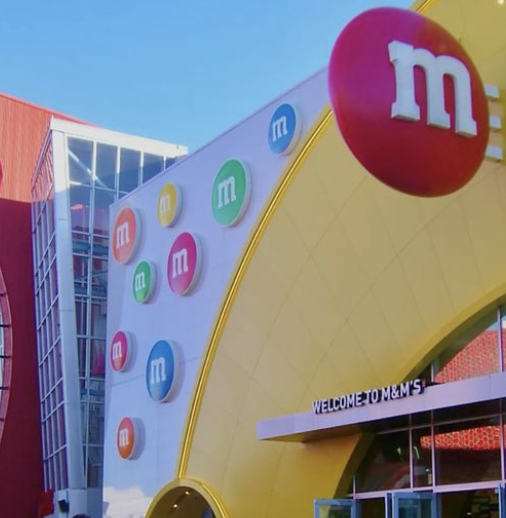
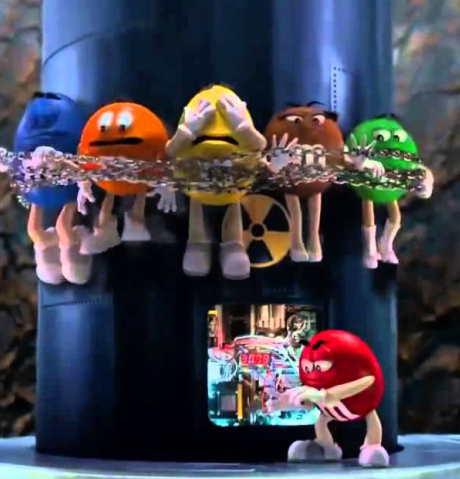
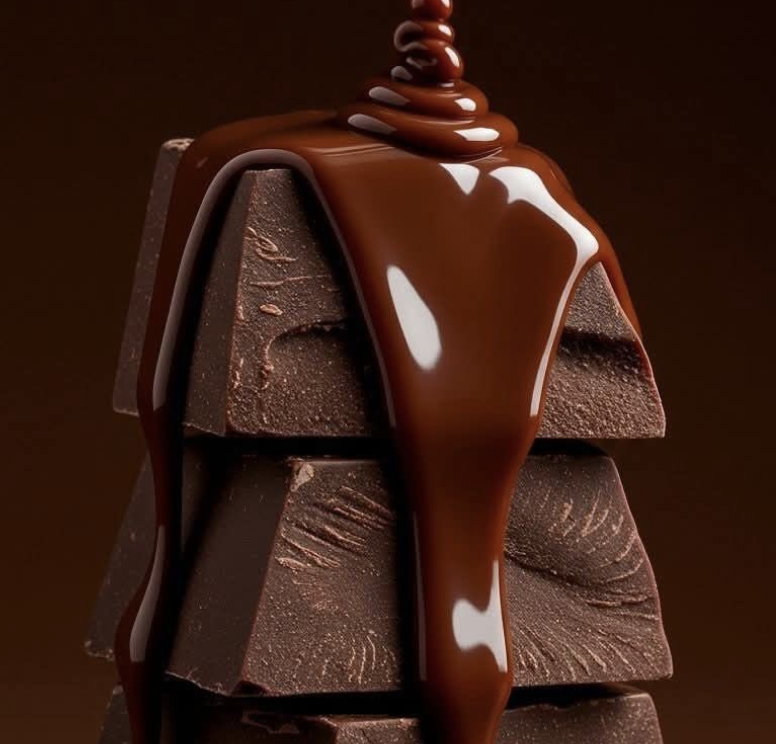
The glossiness and contrasted highlights and a slightly darker tint to the brown make the chocolate feel thinner
How Chocolate Moves

First Pass Scene by Hailey McMahonSecond Pass Scene by Hailey McMahonSecond Pass Scene by Hailey McMahon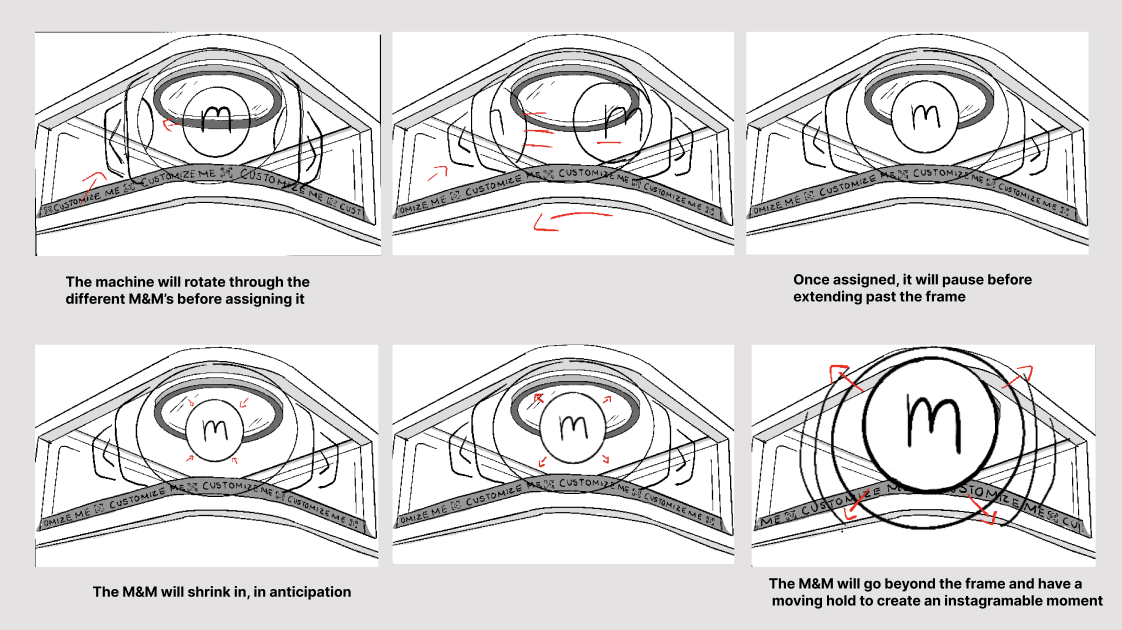
Chocolate is thicker than water, but when it melts it still flows, just more slowly and heavily. How it moves depends on its temperature: when solid, it keeps its shape and can snap; when partly melted, it softens, the edges droop, and it starts to drip; and when fully melted, it flows smoothly into waves, pools, or drips. Melted chocolate also has surface tension, so it forms smooth edges, rounded drops, and small peaks as it settles. As it spreads, it can break into thin streams, and its stickiness makes it cling to surfaces instead of running off right away.
Storyboards
Style Frame Exploration
First Pass
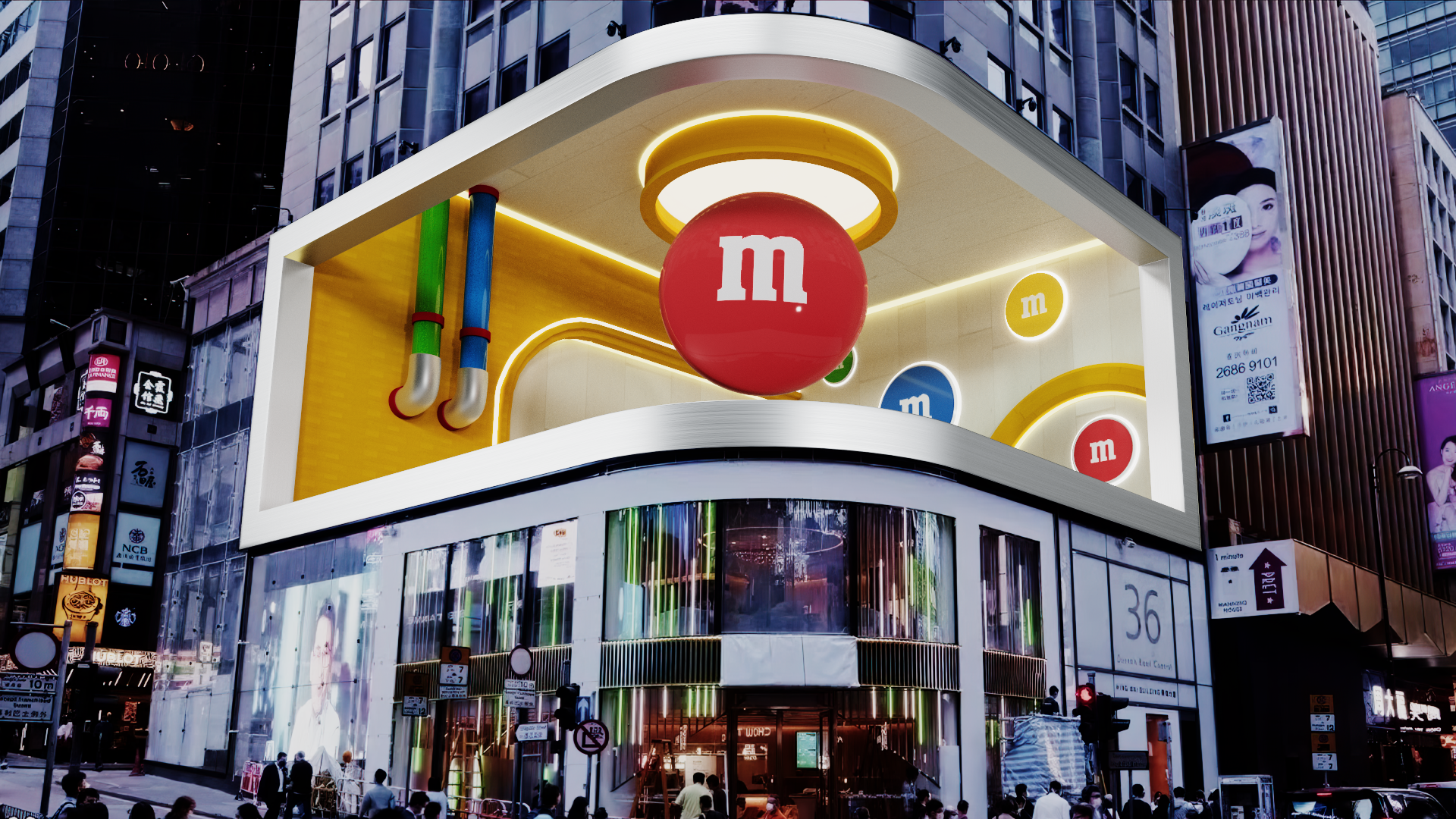
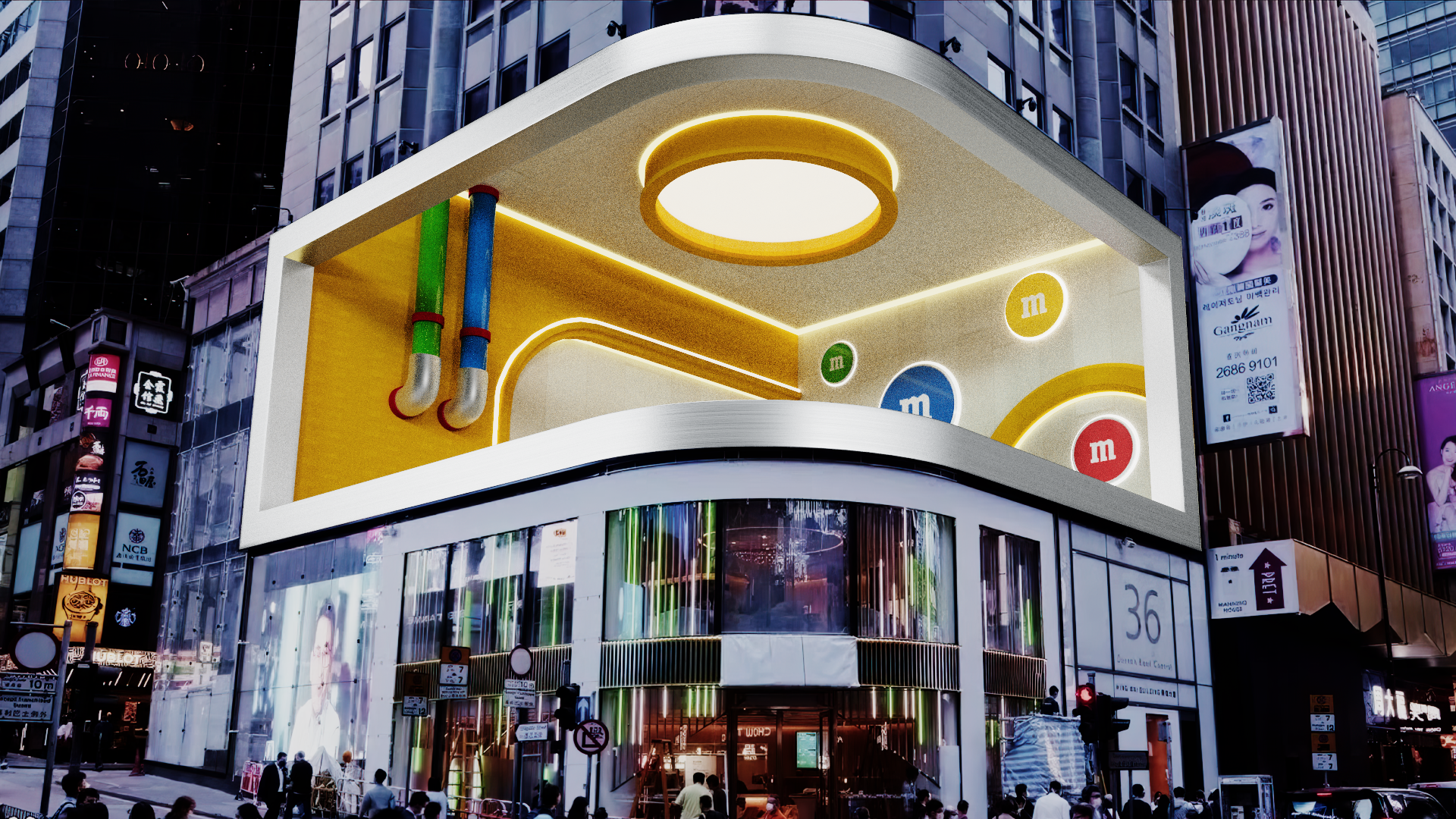
The scene was designed to hint at machinery without looking too technical. We took cues from M&M Stores, using their white tiles, yellow accents, and signature wall-mounted M&M décor. The side tubes reference the real color-sorting machine. Since the background needed more detail in this first draft, we added an extra tube and circular lights.
Second Pass Scene by Hailey McMahonAnimation Passes
First Attempt by Teja Hickenbottom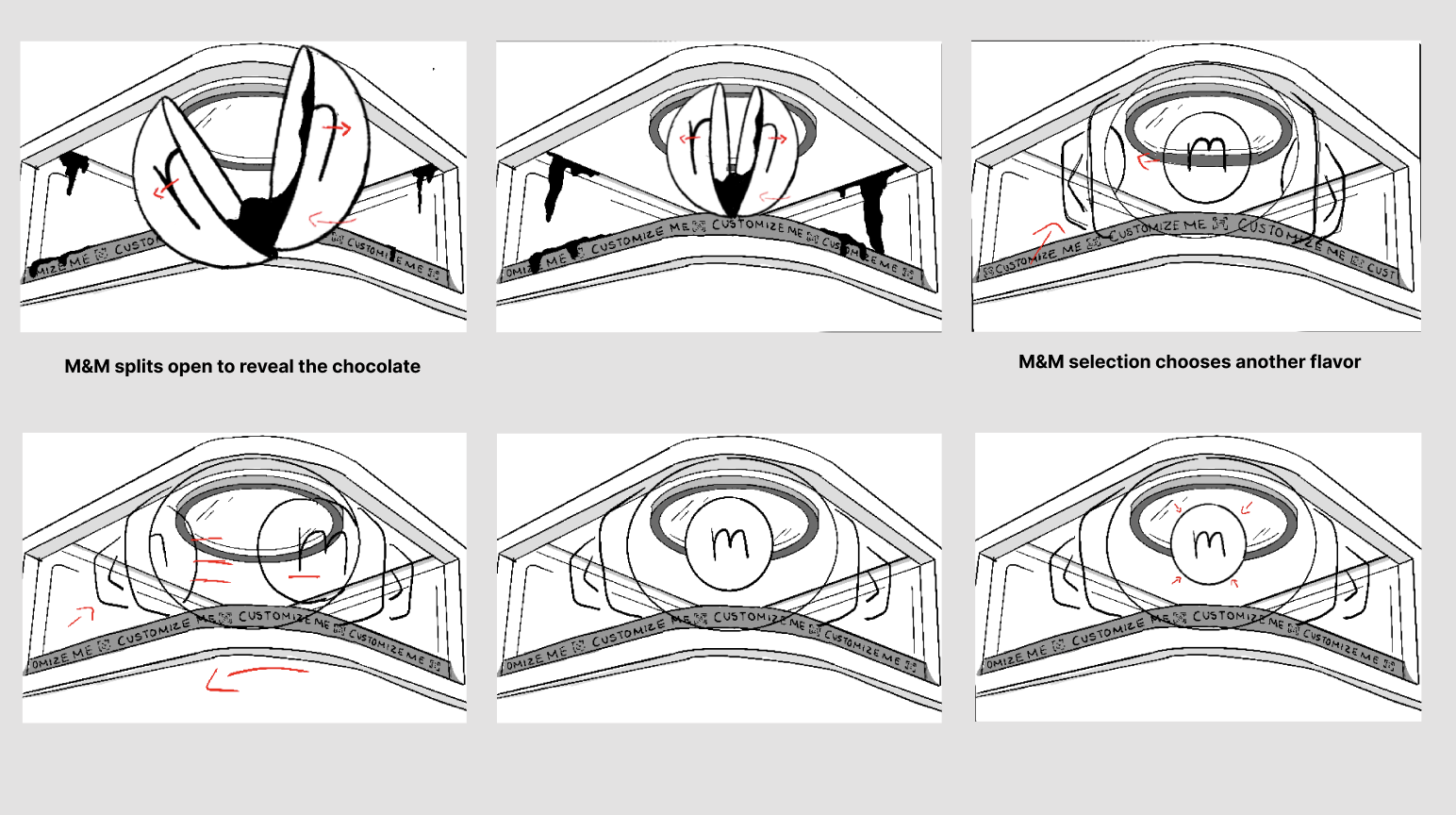
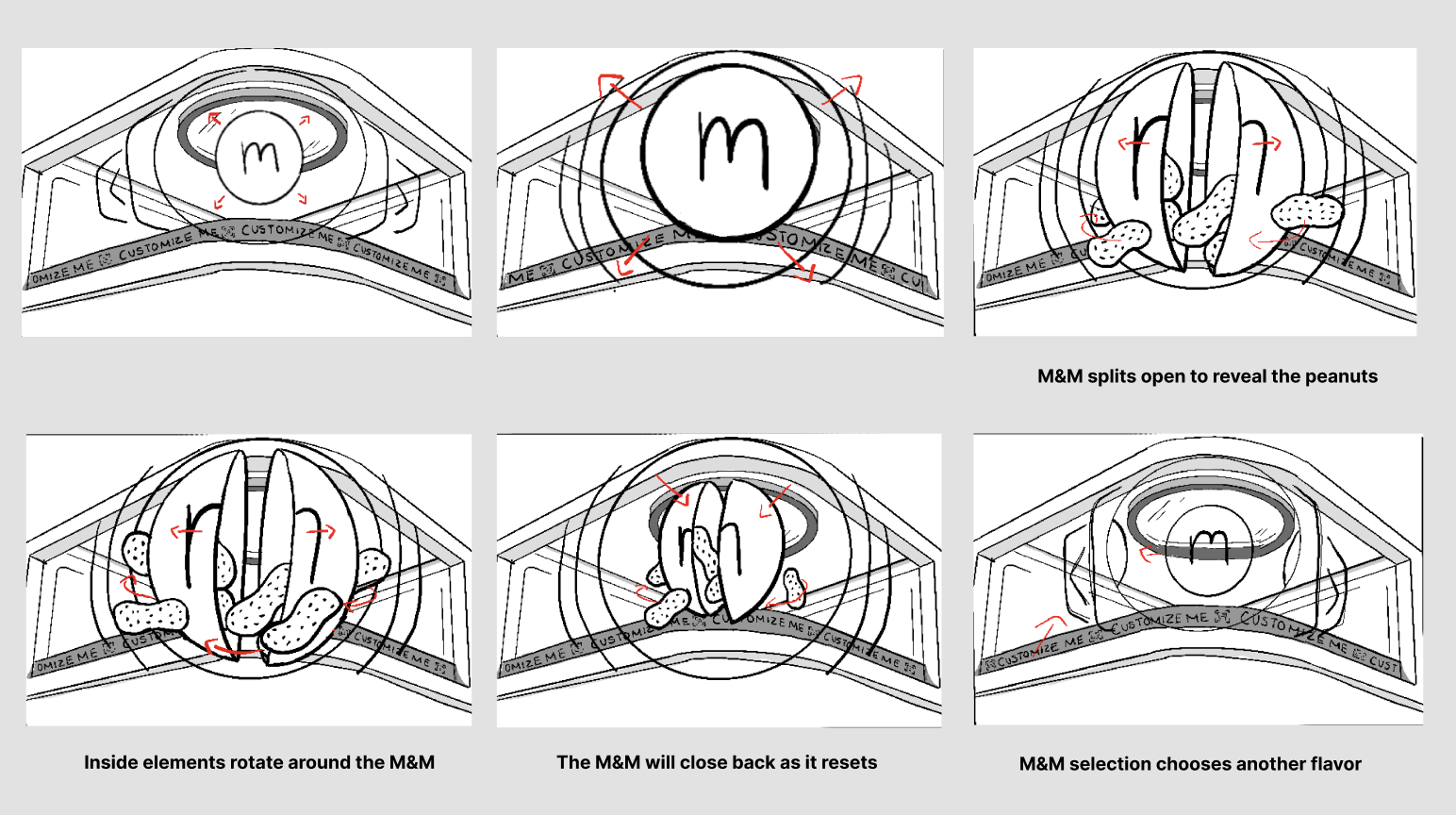
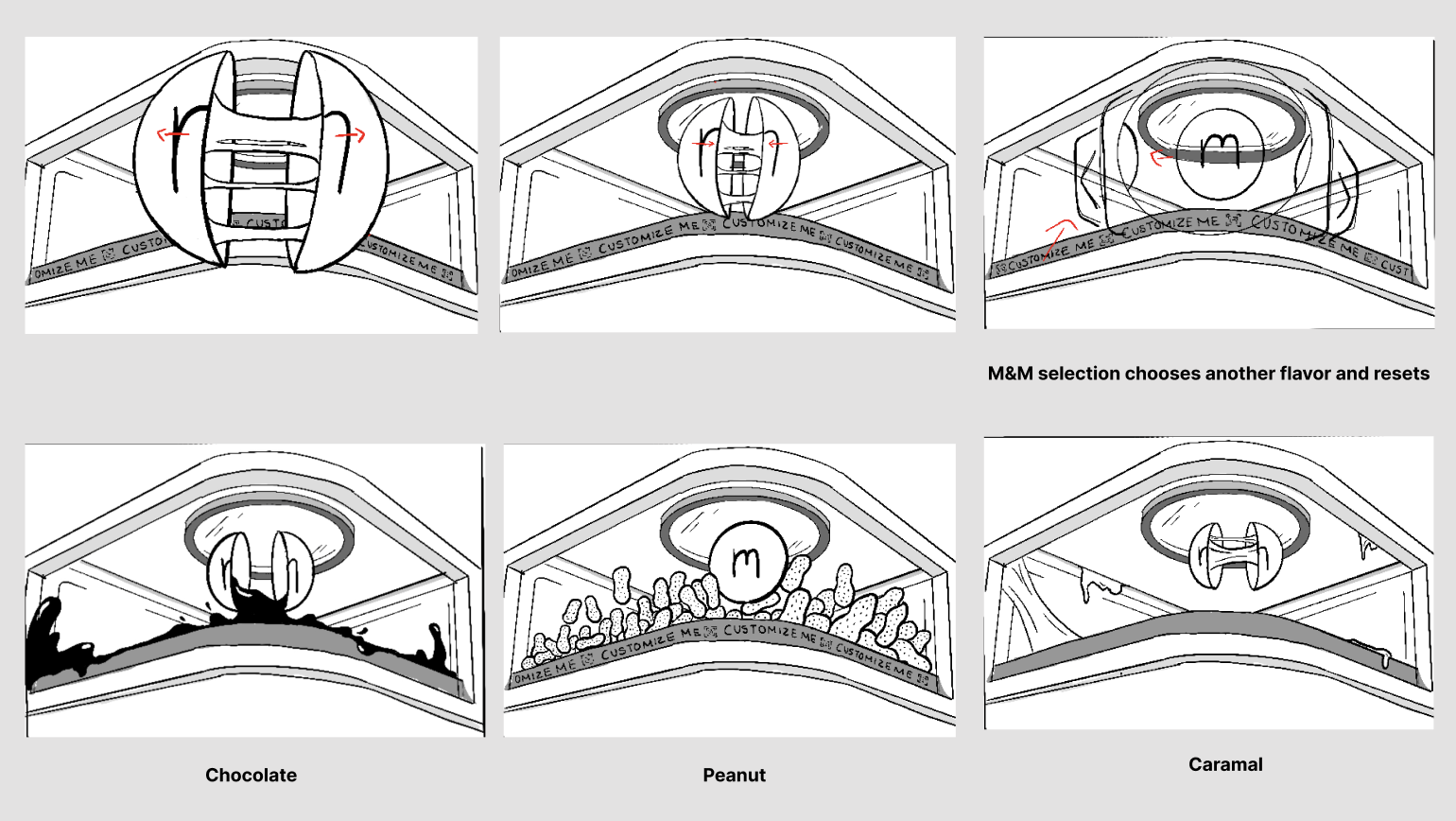
The animation takes place inside a Color Mood Analyzer, a device that examines M&Ms to reveal what’s inside. When an M&M is selected, it cracks open, showing its interior and the variety of flavors hidden within. Each center is visually distinct, reflecting the unique flavor and personality of that candy, highlighting the idea that “it’s what’s inside that counts.”
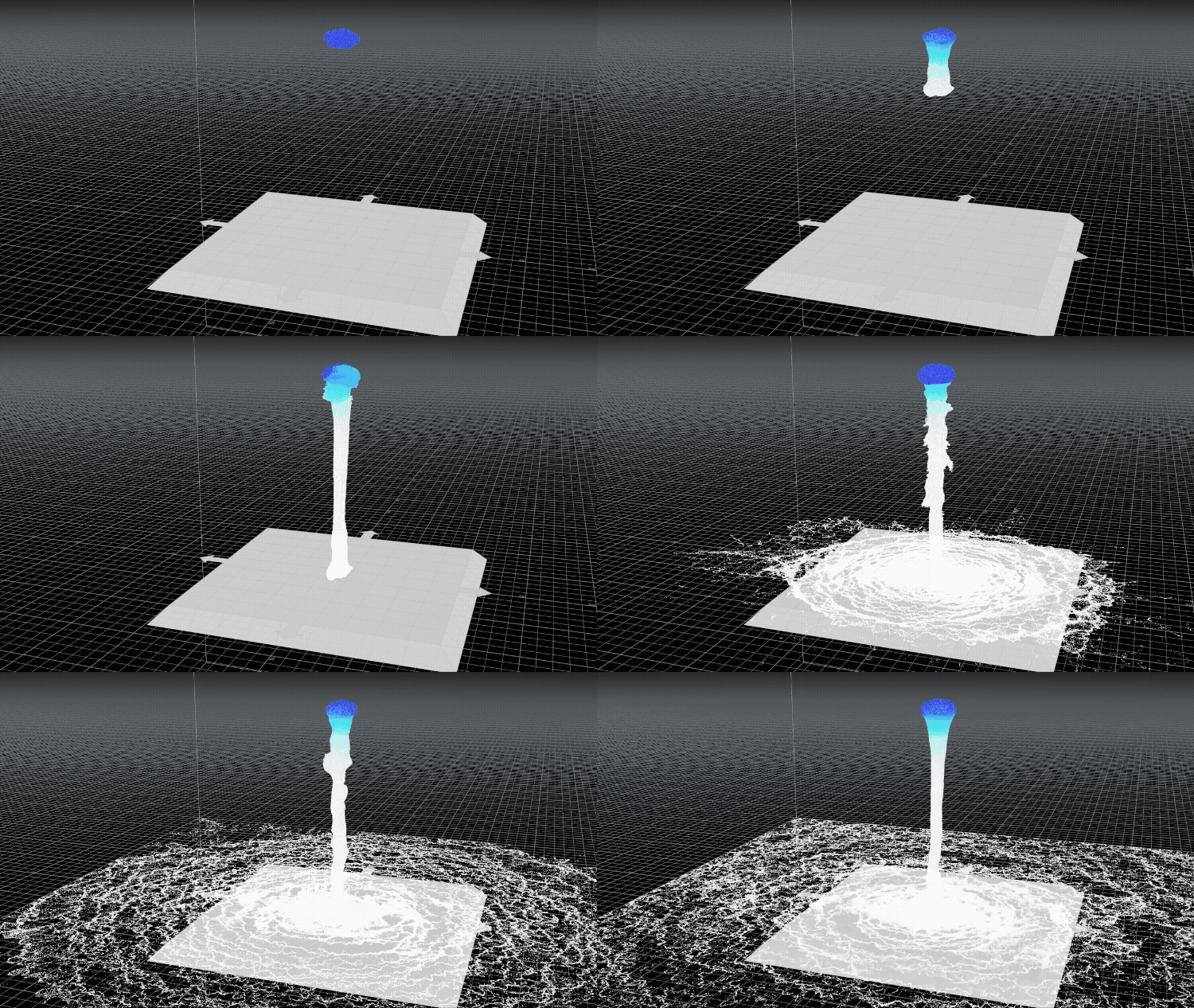
The first sim test was too watery and didn’t resemble chocolate but flooding water
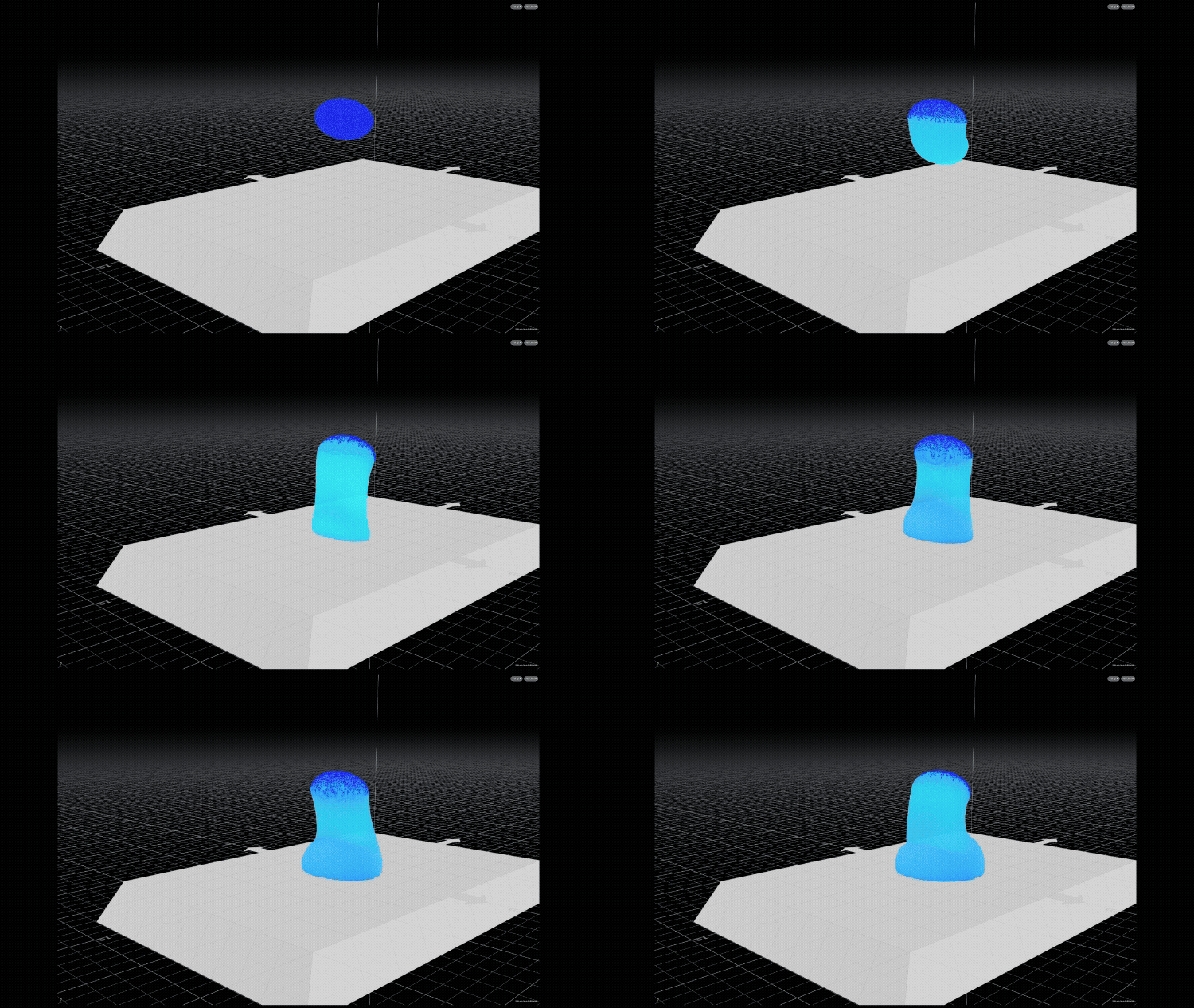
Second Attempt by Teja HickenbottomThe second test was closer, but thicker than the intended feel. The viscosity makes the chocolate feel more dense.
Sim Technical Execution
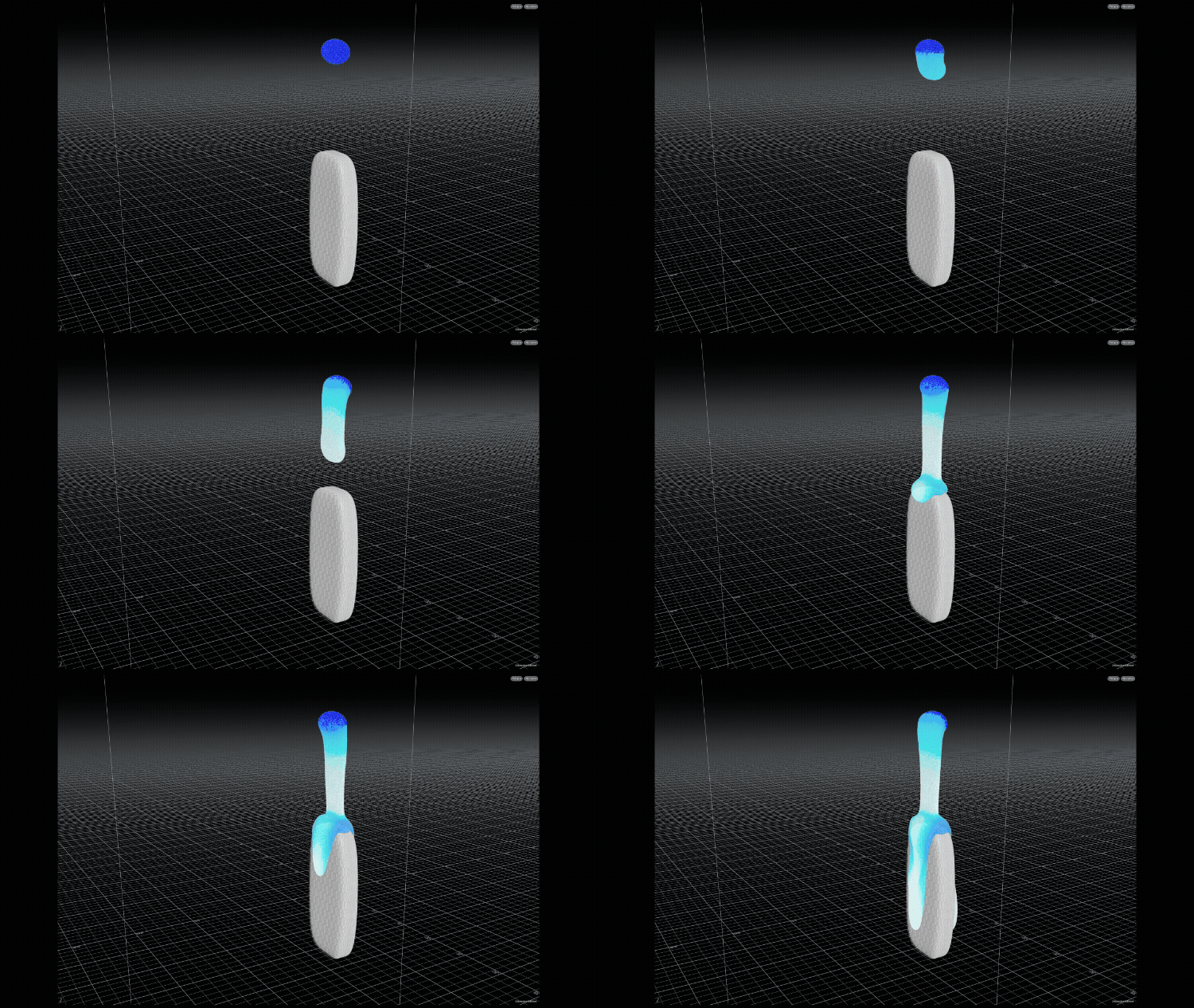
In this version, Teja introduced an additional object to observe how the sim interacts with it. The collision behaved correctly, and the liquid tapers toward the middle, but it still doesn’t create distinctive V-Shaped flow you typically see in melting chocolate.
First Pass Scene by Hailey McMahon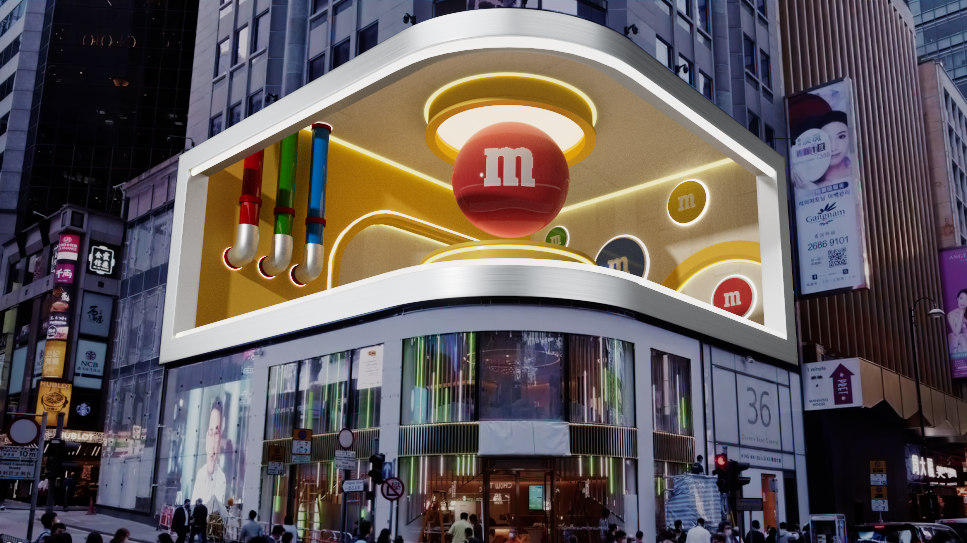
For the second pass, we brightened the lighting to better highlight the M&M as it breaks the frame and once it’s inside. We also added a wall to control the reveal between animations, redesigning it to mimic an M&M’s bag and incorporating a QR code and typography that direct viewers to the M&M’s Store website.
Concept
Second Pass
First Pass Animation by Hailey McMahonThird Attempt by Teja Hickenbottom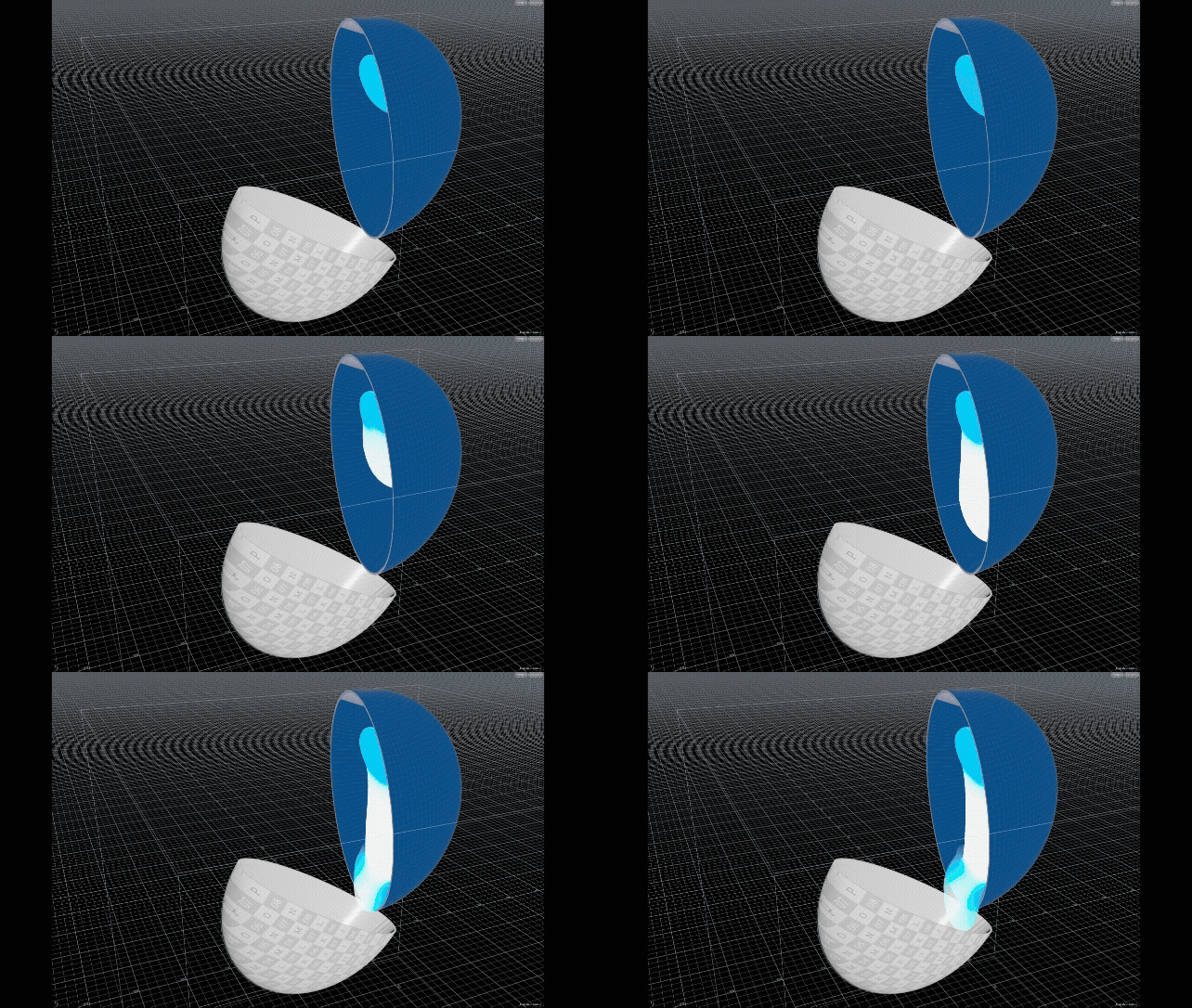
Fourth Attempt by Teja HickenbottomIn this version, I incorporated the half M&M shells to observe how the chocolate behaves around them. The sim is accumulating too much at the bottom of the right M&M, and the volume of chocolate pouring out looks unrealistic for what would be inside a real M&M.
Sim Technical Execution pt: 2
Styleframe by Hailey McMahonAnamorphic
Billboard
Software Used:
Houdini
Nuke
After Effects
Cinema
Credits:
Design and Animation:
Hailey McMahon
Chocolate Simulation
and M&M Model:
Audio Designer:
Kelly Warner
Design Challenge
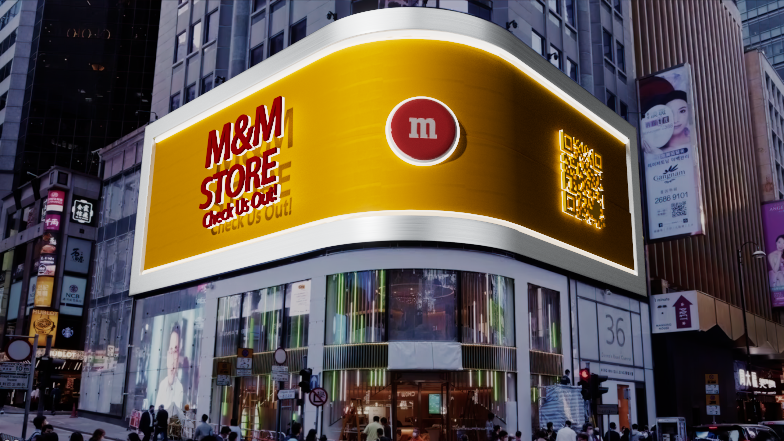
Create a 10 to 15 second looping anamorphic billboard experience for M&M. Use anamorphic illusion and forced perspective techniques to make the product appear as if it’s physically bursting out of the screen and into the viewer’s space. Design a dynamic, immersive activation that goes beyond a static image to captivate and stop people in their tracks.
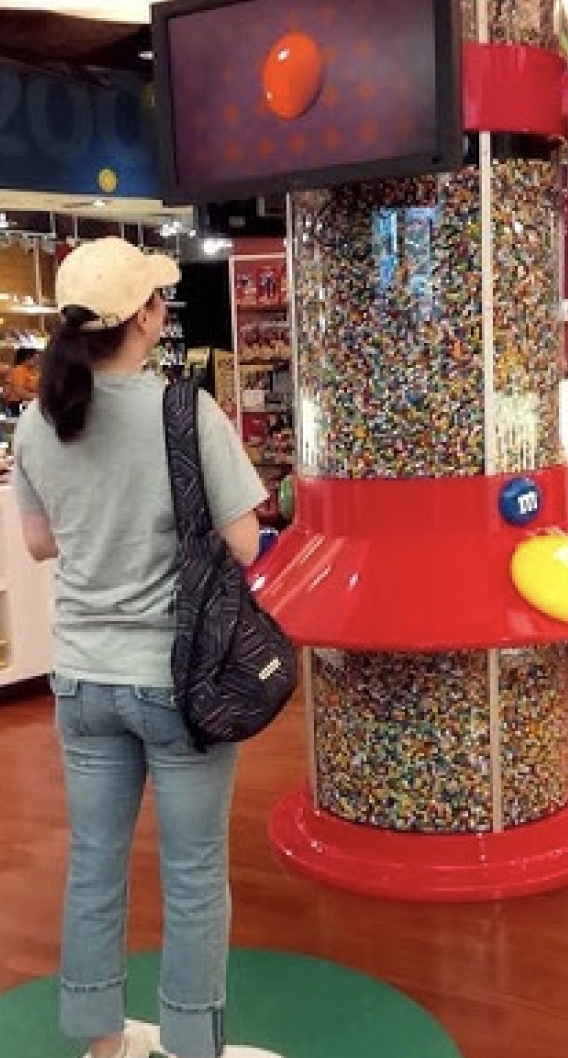
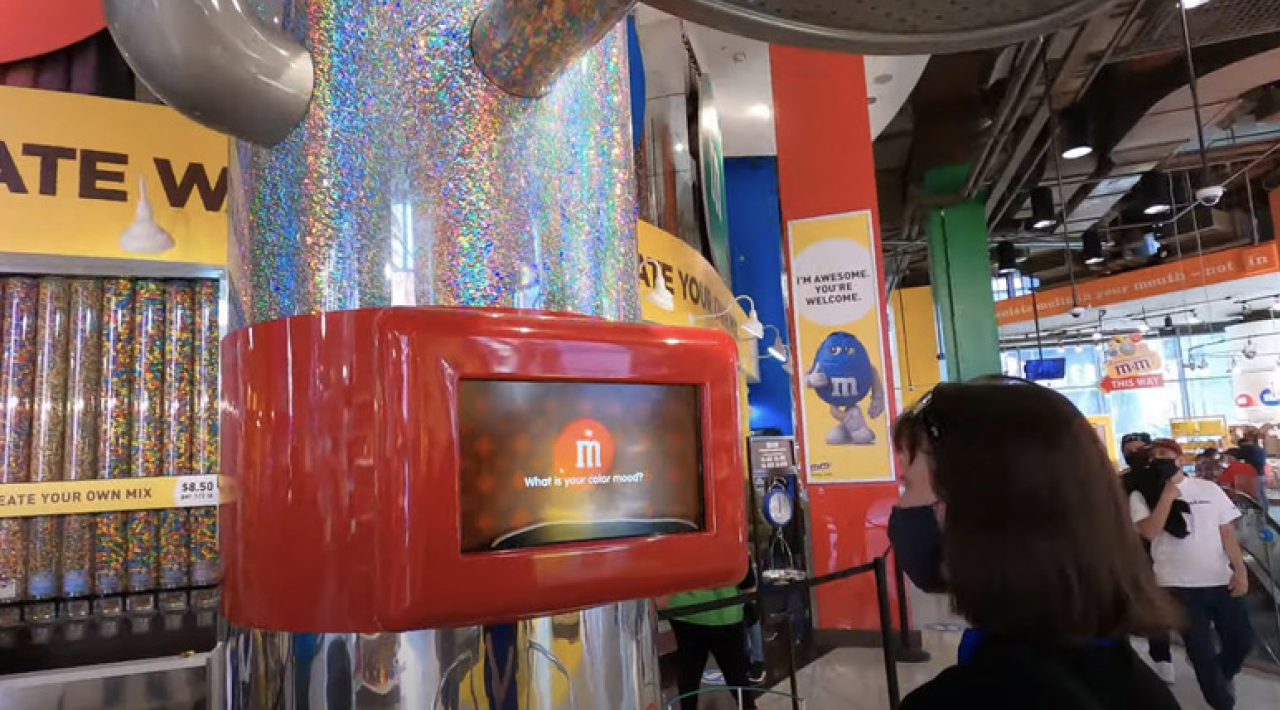
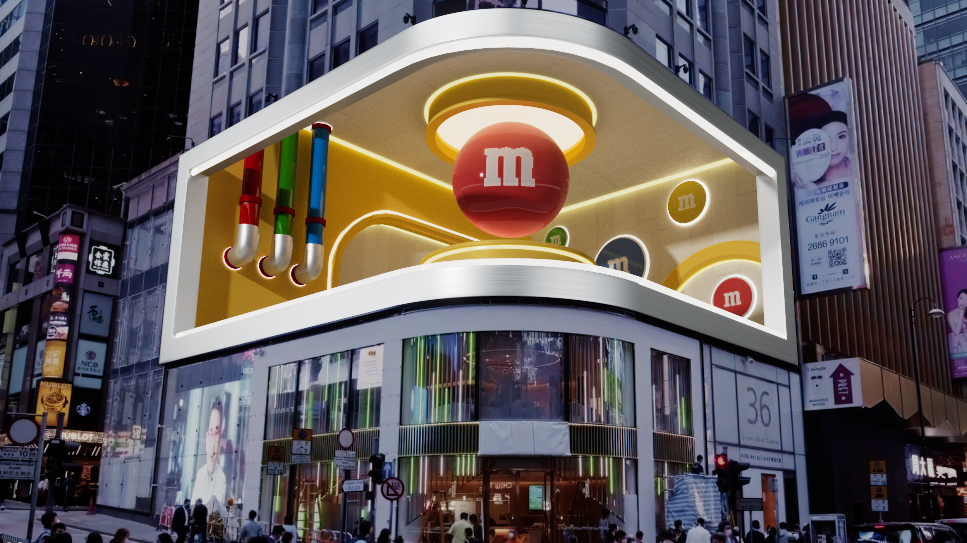
Color Mood Analyzer
When a guest steps up, the machine asks things like “What is your color mood?” and uses your responses (and sometimes your image or silhouette) to determine which color of M&M you are.The result assigns you a specific color of M&M’S, for example, you might “be” a red M&M, a blue one, etc.
It’s interactive and fun, intended as an in-store experience rather than a simple vending machine.
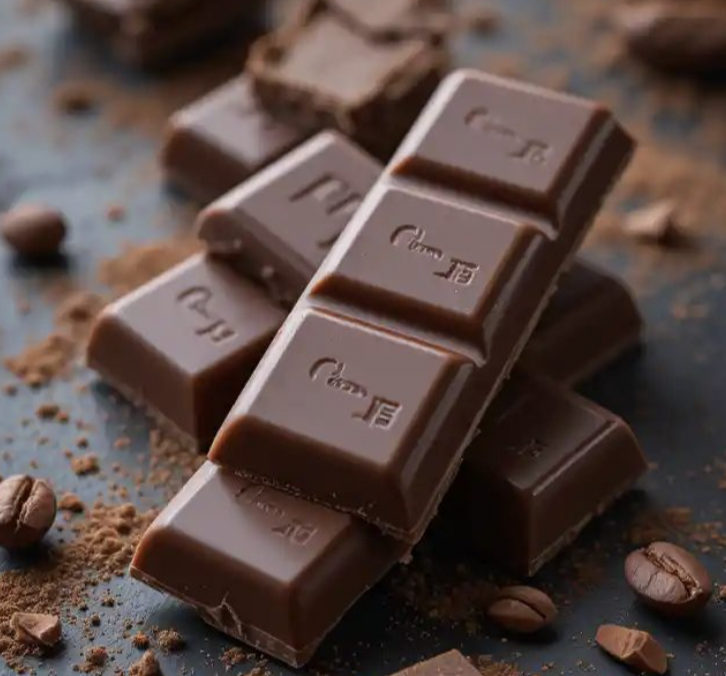
The solid chocolate is dull and has no clear highlights at all.
Takeaway
Overall, as we examined the different appearances and textures of chocolate, we applied those observations to our simulation. We aimed to create a thinner consistency, similar to the first image of dripping chocolate, so the animation wouldn’t take too long, while still maintaining realistic movement. The coloration will be a smooth, milky brown, and we will increase the specular weight to achieve a glossy exterior.
The melted chocolate has harsh highlights, making the material feel glossy and wet, The shine impacts the feeling of richness and how savory it tastes
Shine
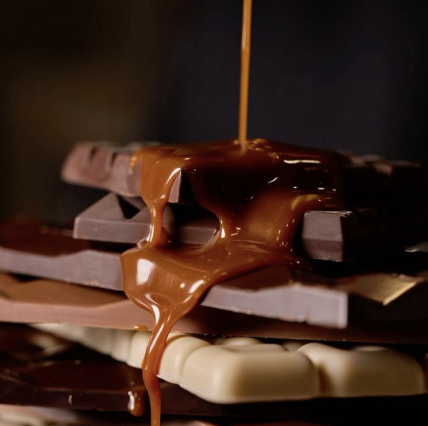
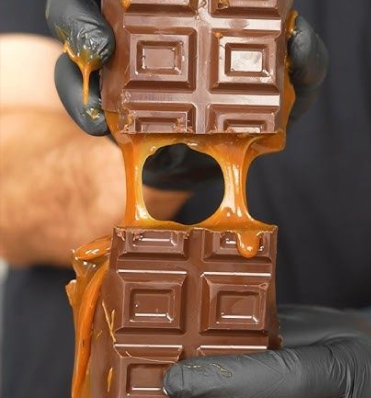
Caramel is lighter and golden, giving a sense of warmth and sweetness.
People recognize chocolate and caramel as different through their color and feel, chocolate is darker and richer, suggesting depth and indulgence.
Color
Wall Versions
First Pass Scene by Hailey McMahon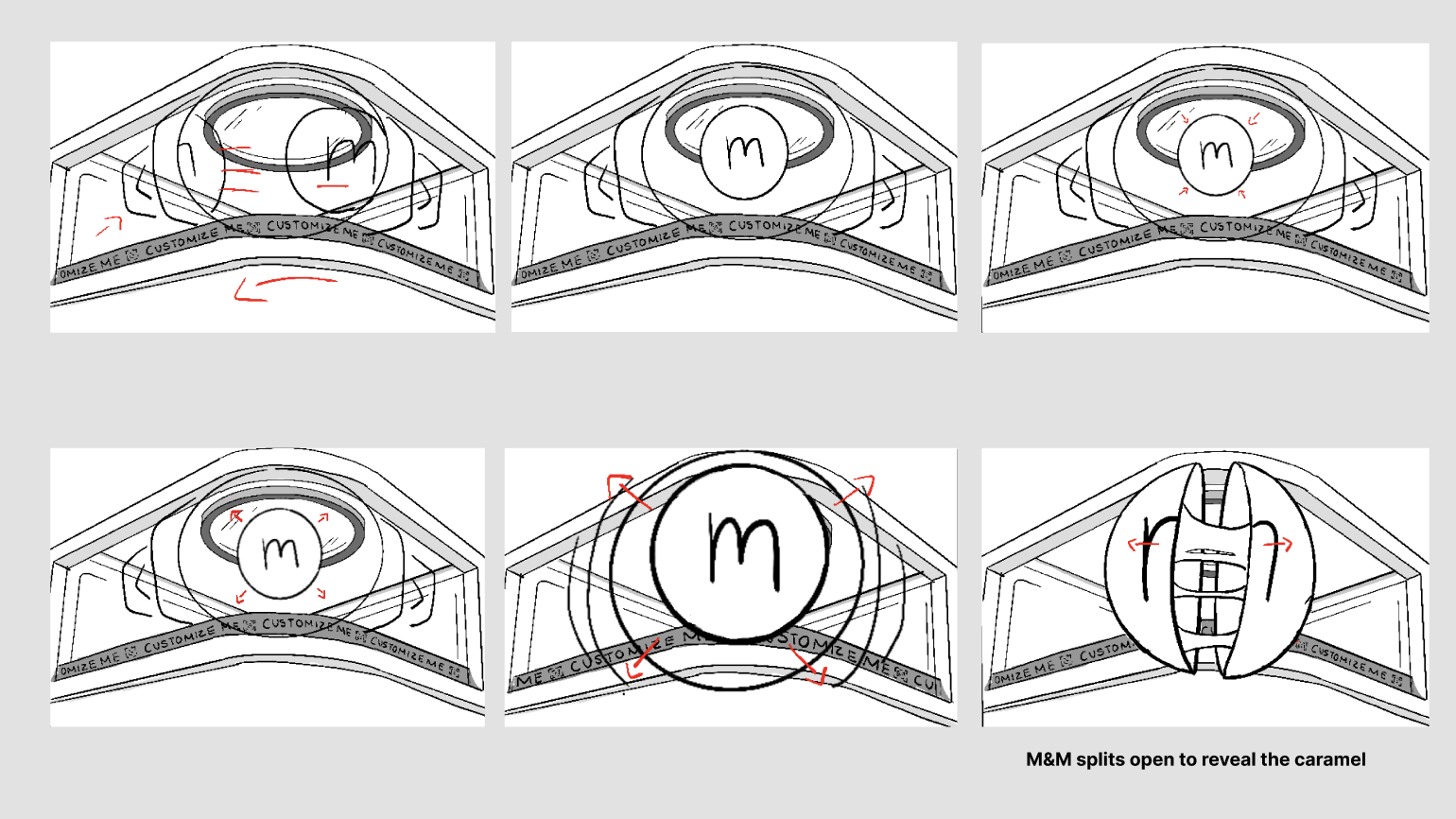

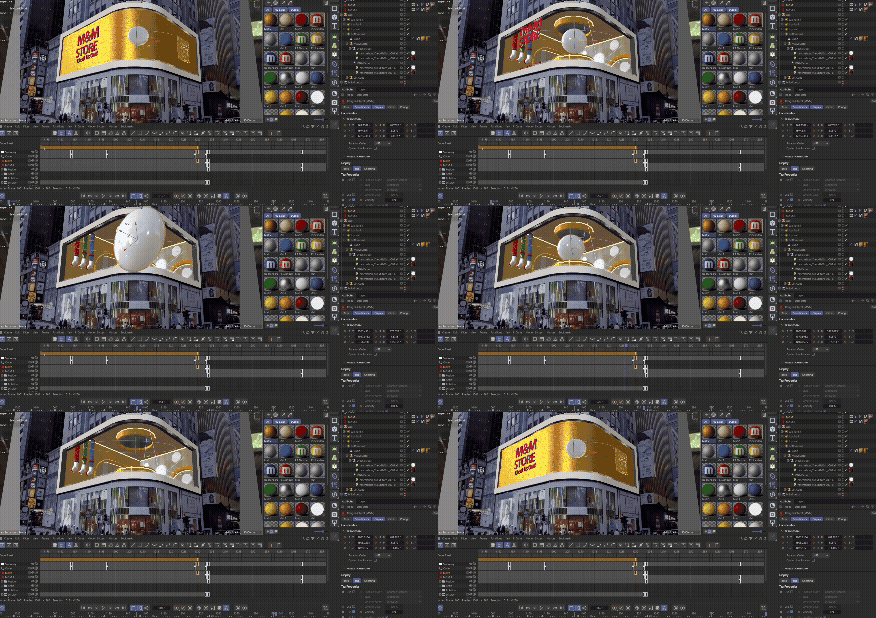
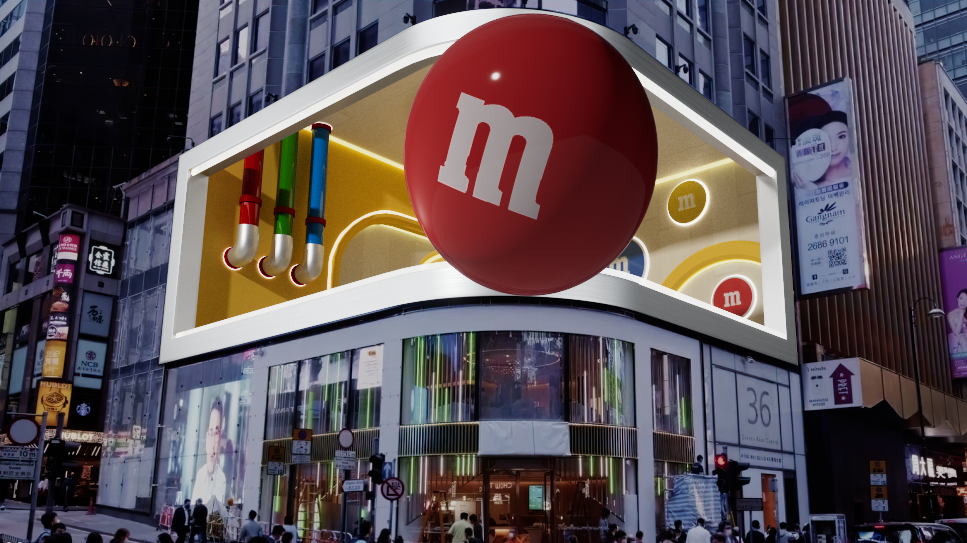
For the first pass animation, we blocked out our timing and position before adding many eases so that we could have everything ready for polishing. However, our art director said the reveal of the inside of the M&M should be more dramatic. With that in mind, we planned to make the seam of the M&M glow like the lights throughout the seam before opening.
Style Frame byt Teja Hickentbottom
Style Frame by Teja Hickentbottom
First Pass
Second Pass Animation by Hailey McMahon and Sim by Teja Hickenbottom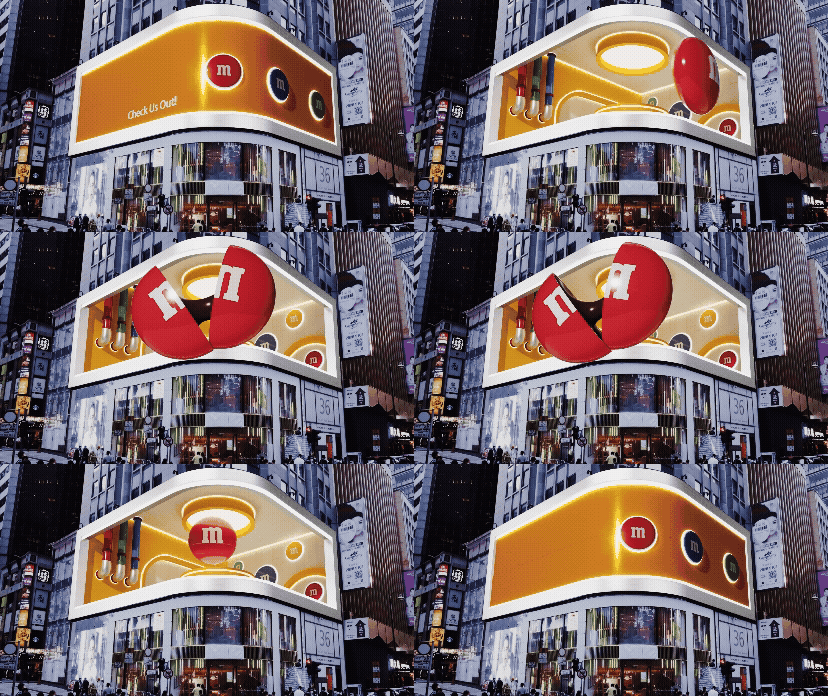
For our second pass, we refined the animation and added the M&M breaking effect. This required using three separate M&M models that are seamlessly animated together, turning them on and off with display settings as needed. There are still issues to address at this stage, including refining the chocolate animation and adjusting the angle. We also need to improve the transitions between each M&M so they are less noticeable, and create a more dramatic break by adding a glow along the seam where the M&M splits.
Second Pass
Wall Iteration by Hailey McMahon
Wall Iteration by Hailey McMahon
Wall Iteration by Hailey McMahon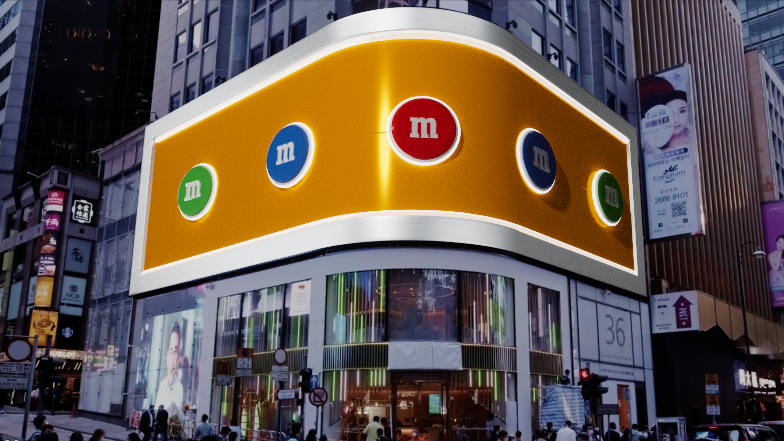
Wall Iteration by Hailey McMahon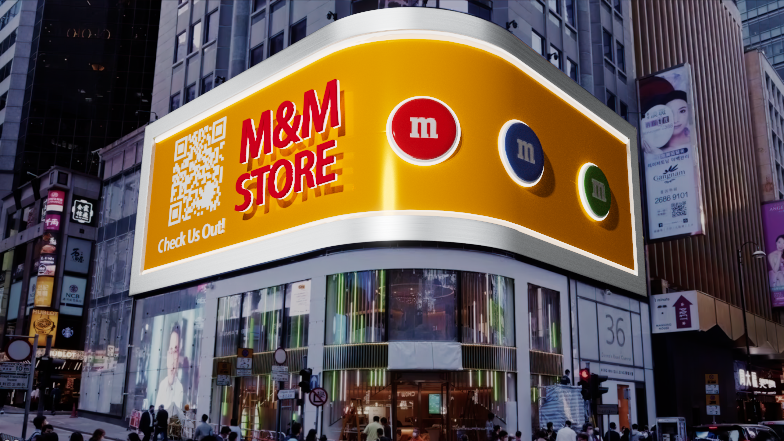
Style Frame Exploration
First Pass
Second Pass

Style Frame by Teja HickentbottomBTS
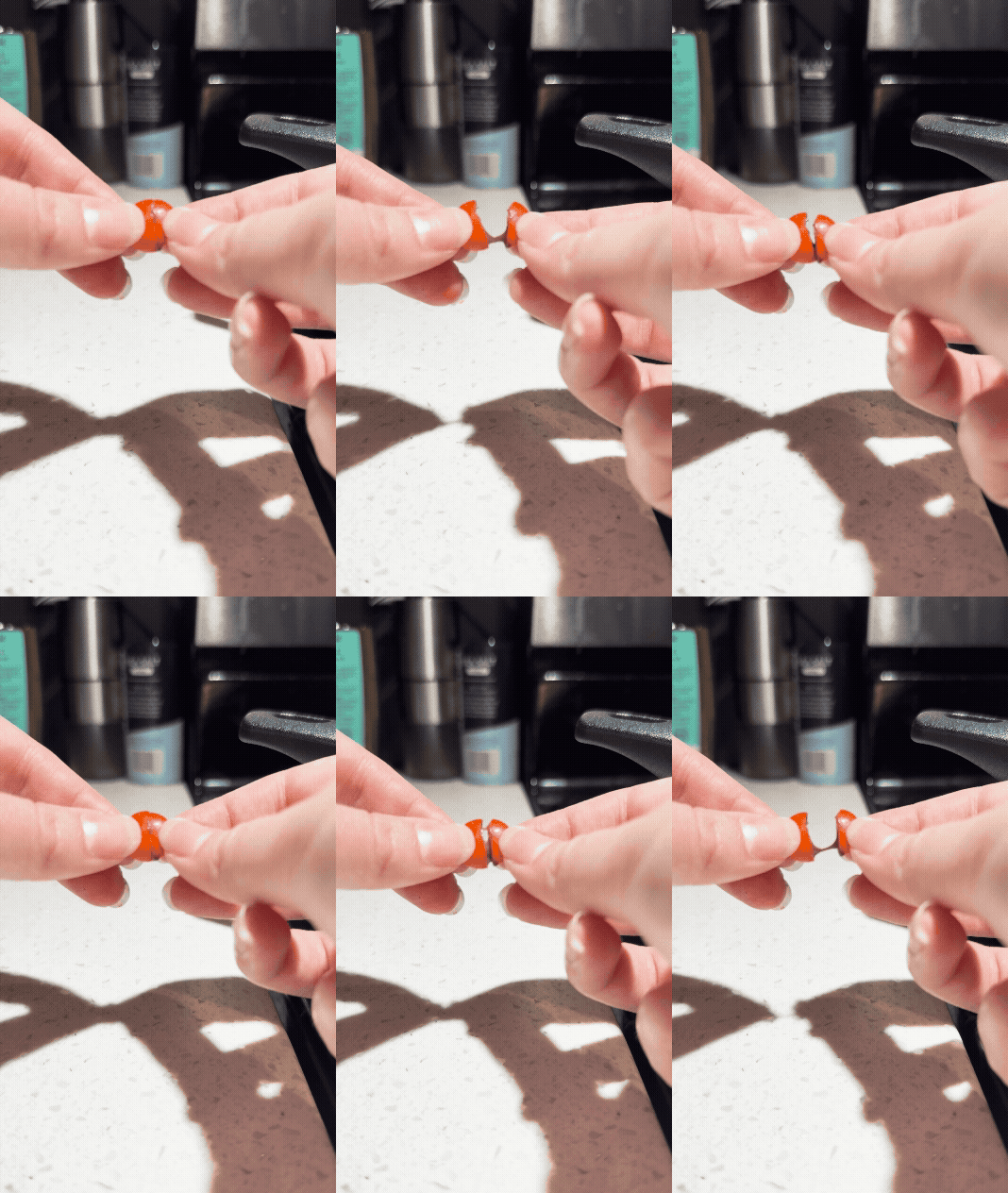
As another form of reference, Teja Hickenbtoom cut an M&M in half and melted the inside by putting it on a heated pan. Once heated up, she put them together and slowly separated them to see the viscosity of the chocolate.
Third Pass Animation by Hailey McMahon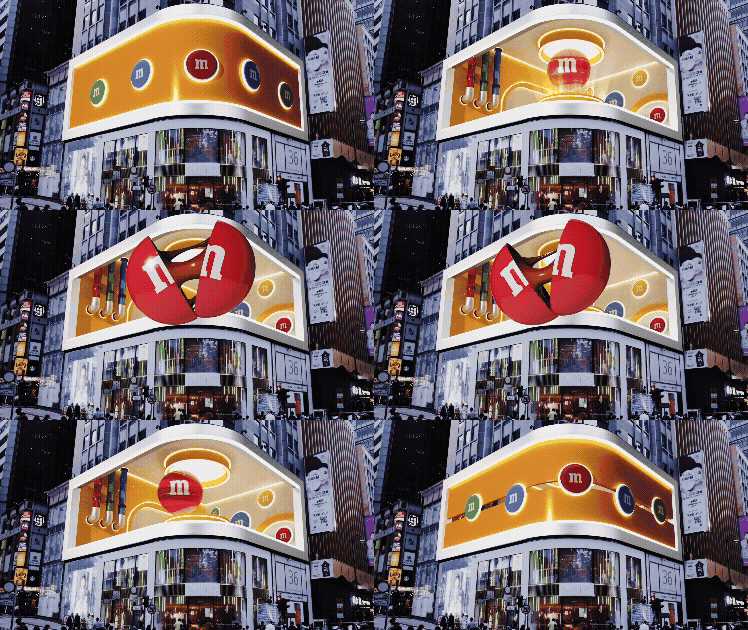
For our third pass, we refined the transitions between the M&Ms and added more anticipation to the initial take-off. We also introduced sparkles to create a more enchanting ambience. However, after reviewing the scene with our art director, we decided to move the particle effects inside the tubes to reduce visual clutter while still maintaining subtle background movement. Another important note was adding more time in the beginning to let the audience have time to record and shorten the length that the M&M is open. That allows more time to include a couple of M&M’s moving through the tubes, like the scene is selecting the red M&M.
Third Pass
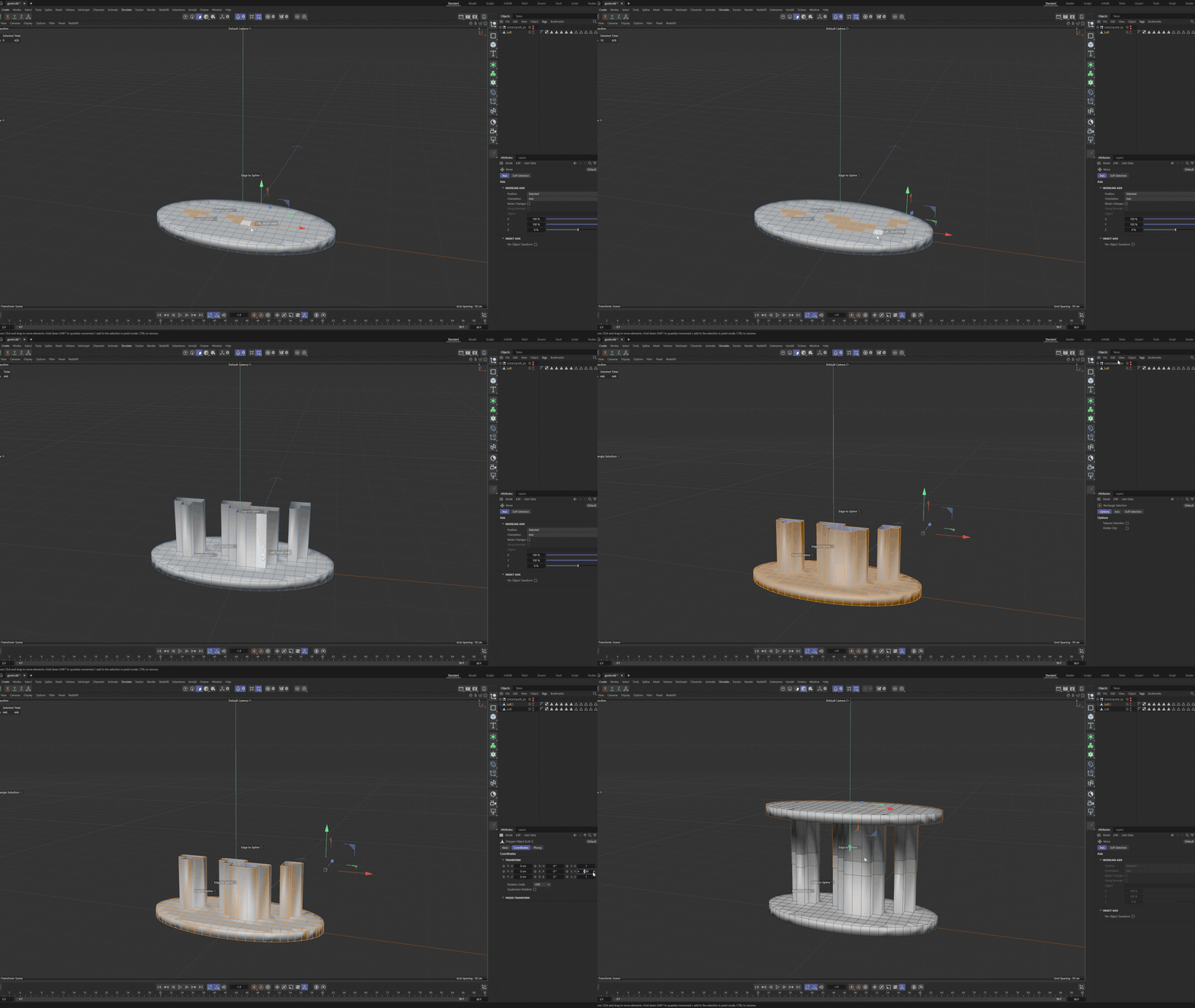
In this version, Teja chose to create the chocolate directly in Cinema 4D. She started with a flat oval plane, selected all the points, and extruded the shape. After that, she selected specific sections of the object and extruded them further to form raised beams
Extruding Sections Off Original Shape by Teja Hickenbottom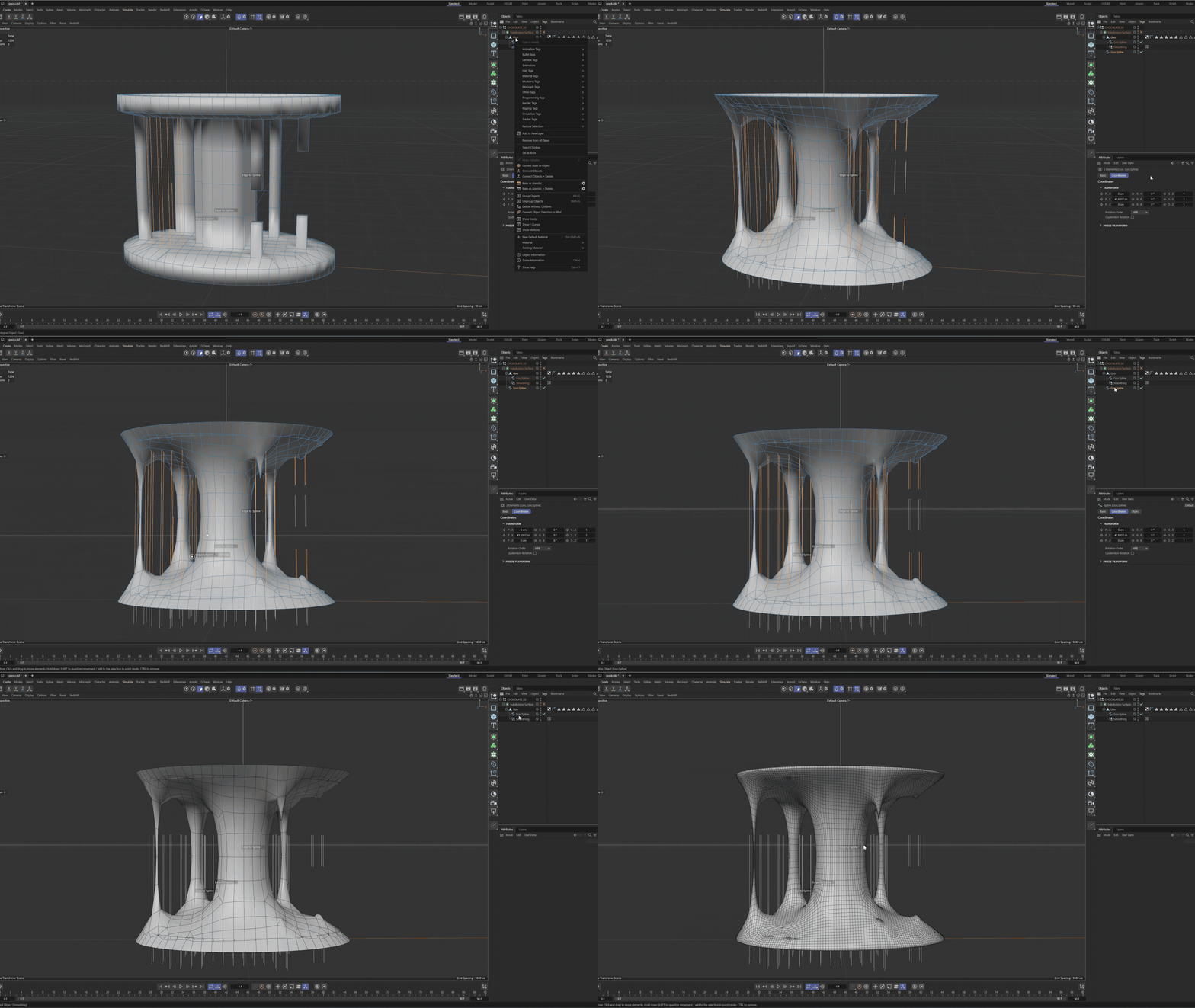
Merging Two halves with Smooth Deformer by Teja HickenbottomNext, Teja duplicated the object, flipped it, and aligned the two pieces. Once positioned correctly, she merged them into a single object and used the Optimize function to remove points that were too close together, cleaning up the geometry. she applied a smooth deformer to create that smooth chocolate look.
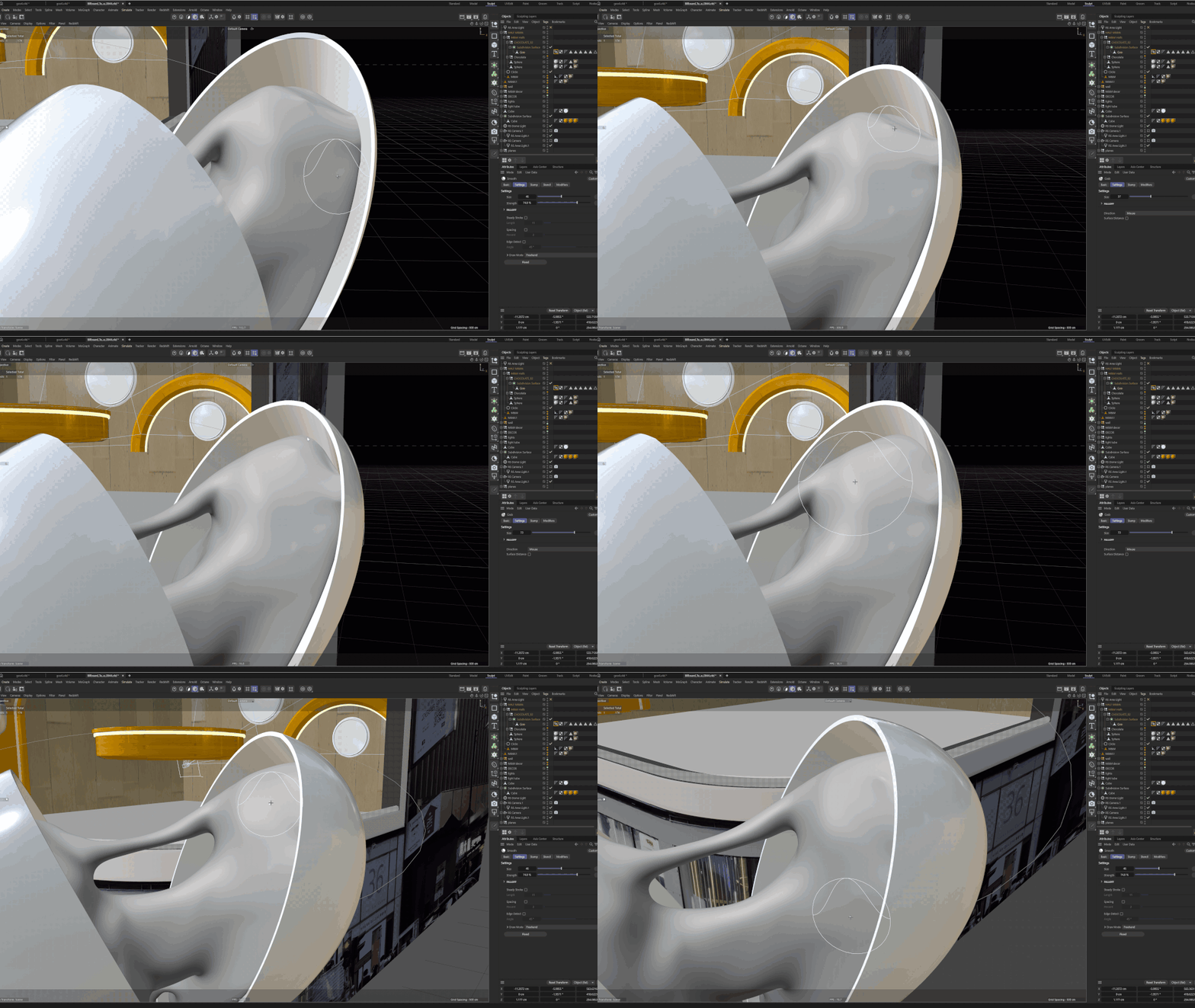
Teja then imported the chocolate into the scene and scaled it to match the size of the M&M. Once properly scaled, she used sculpting tools to shape the chocolate so it fit perfectly within the two halves of the M&M.
Importing Chocolate Into Scene by Teja Hickenbottom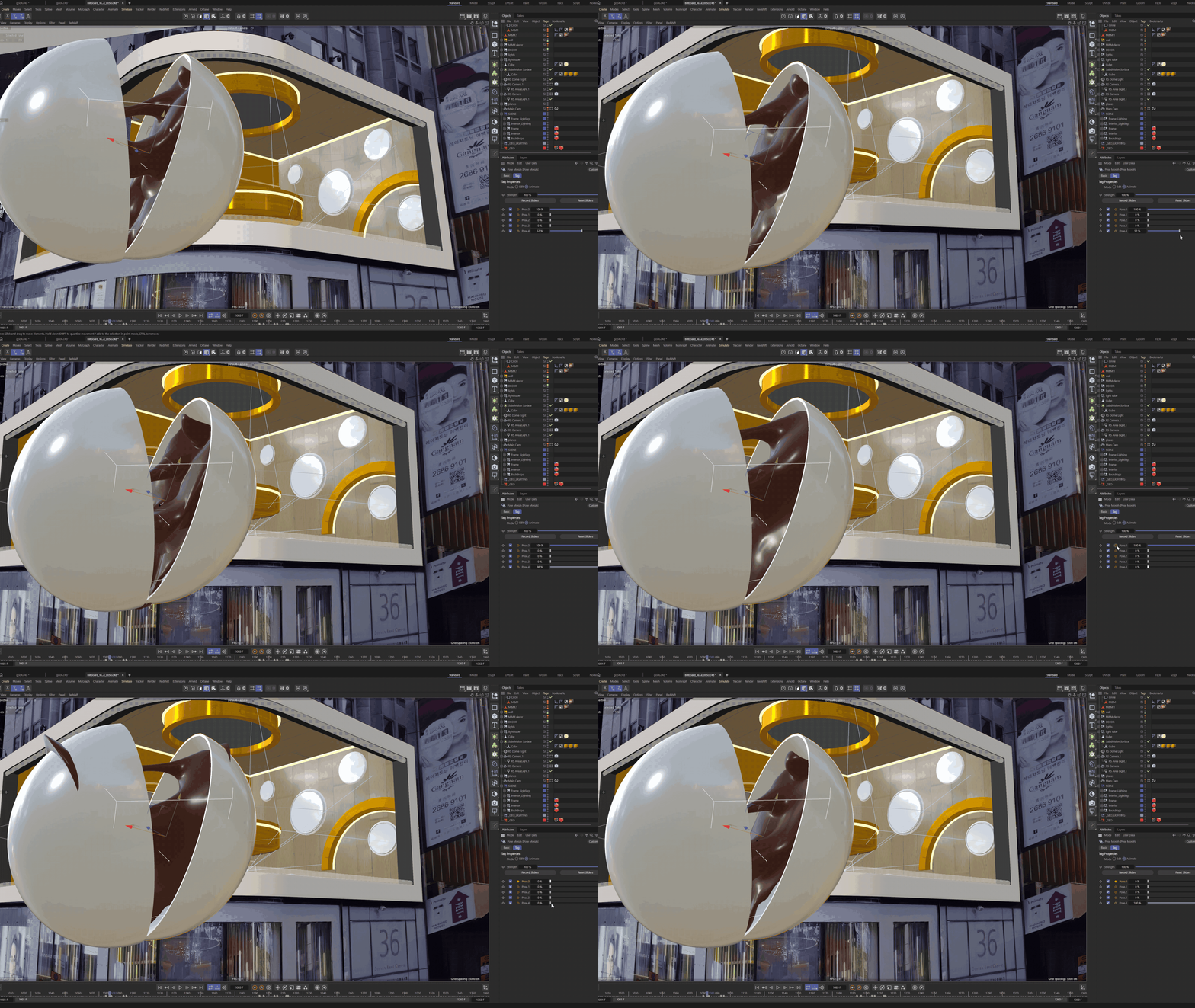
Adding Posemorph Tag by Teja HickenbottomTeja added a Pose Morph tag to the chocolate and created multiple poses: one for when the chocolate is closed, one for fully open, one for fully open with melting chocolate, and one for when the chocolate is being stretched.
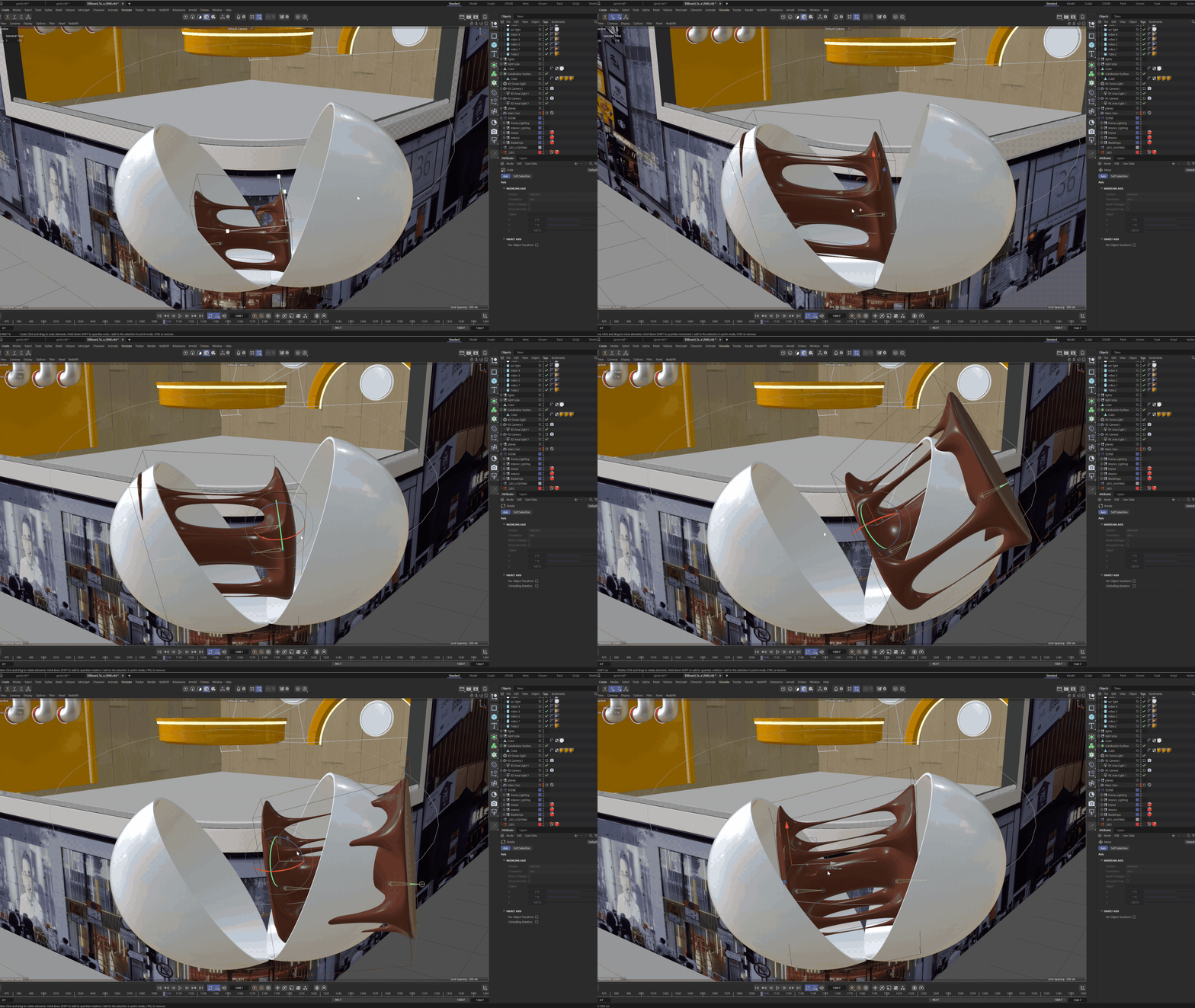
Finally, Teja keyframed the poses to create smooth transitions between each state. Some challenges arose with the chocolate’s geometry breaking during transitions, but these were resolved by adjusting and refining the Pose Morph.
Animating with the Posemorph by Teja HickenbottomTakeaway
Although the chocolate simulation in Houdini was functioning, it didn’t provide the level of control I needed for the animation. By pivoting to Cinema 4D and using a Pose Morph tag, Teja was able to manually create and fine-tune the chocolate’s movements. This approach gave her significantly more control over the timing, shape, and behavior of the chocolate, resulting in a more precise and polished animation.
Flattening Scene
An additional element we wanted to incorporate was flattening the scene for final delivery. I took the 3D mock-up from Cinema 4D and exported it as an alpha render without the surrounding city border. I then imported this render into After Effects and exported it as an MP4. Once that was complete, I brought the MP4 back into Cinema 4D as a texture. From there, I created a plane and bent it to match the shape of the frame, allowing me to apply the MP4 texture directly onto it. After scaling the video to fit the plane’s edges, I generated a UV map so the warped image could correctly project onto the flattened plane.
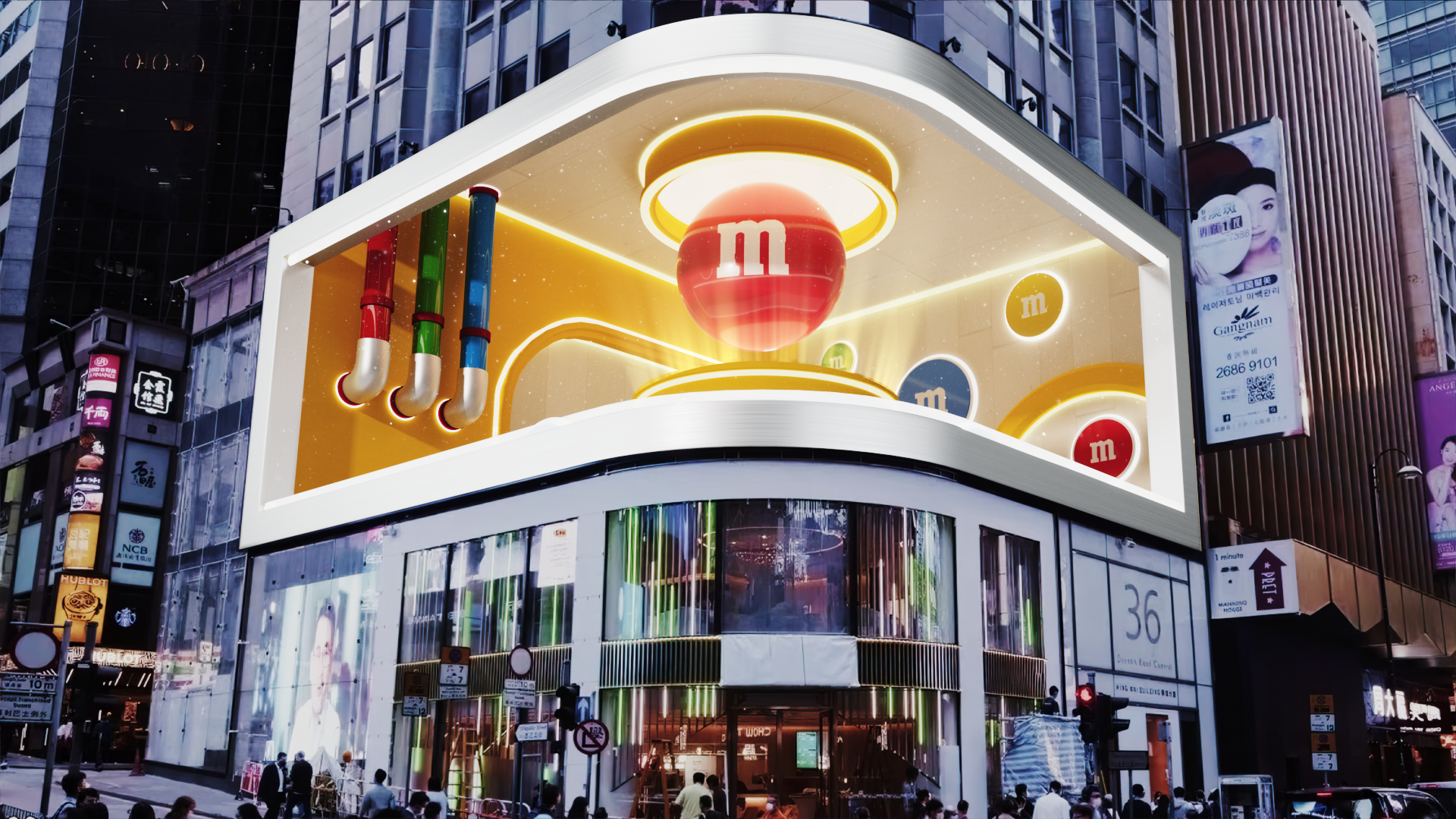
Style Frame by Hailey McMahon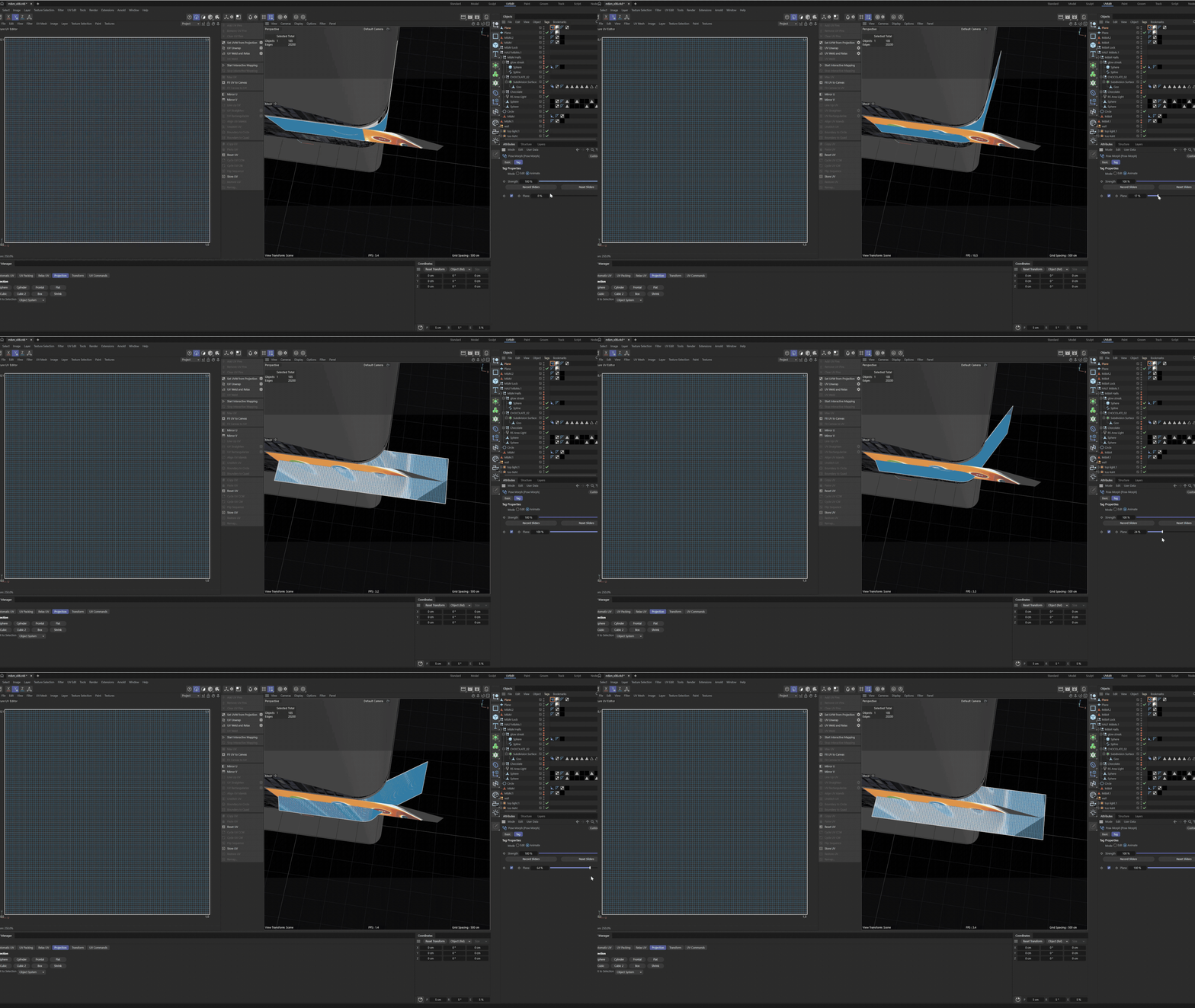
Scene Flattening by Final Thoughts
This project was a great opportunity to take on new technical challenges, such as flattening 3D scenes, working with Cinema 4D simulations, practicing elements of trompe l’oeil, and collaborating closely with a partner. Overall, I really enjoyed the learning curve that came with these technical hurdles and appreciated the chance to showcase my animation and design skills.